





Description
High-Definition Imaging
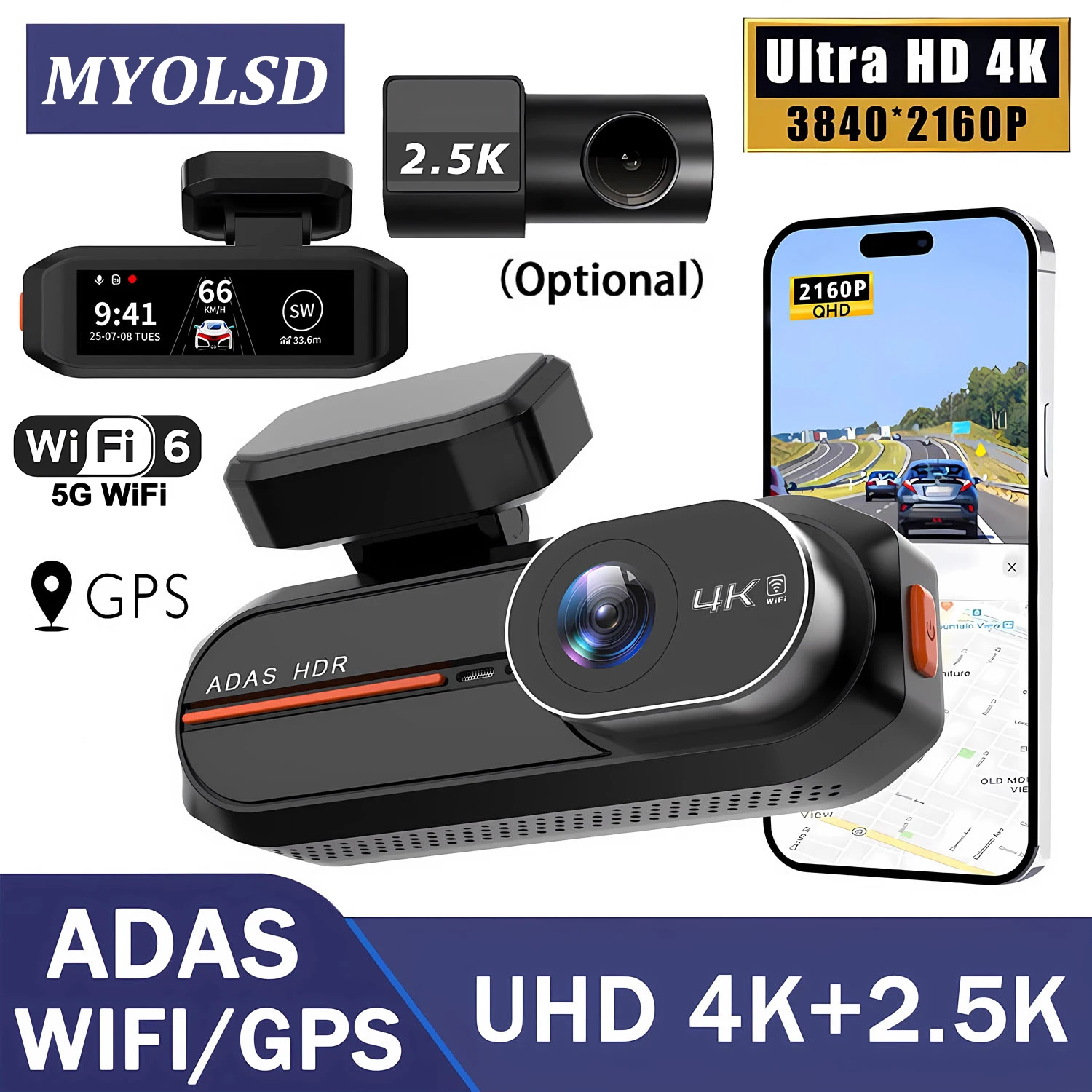
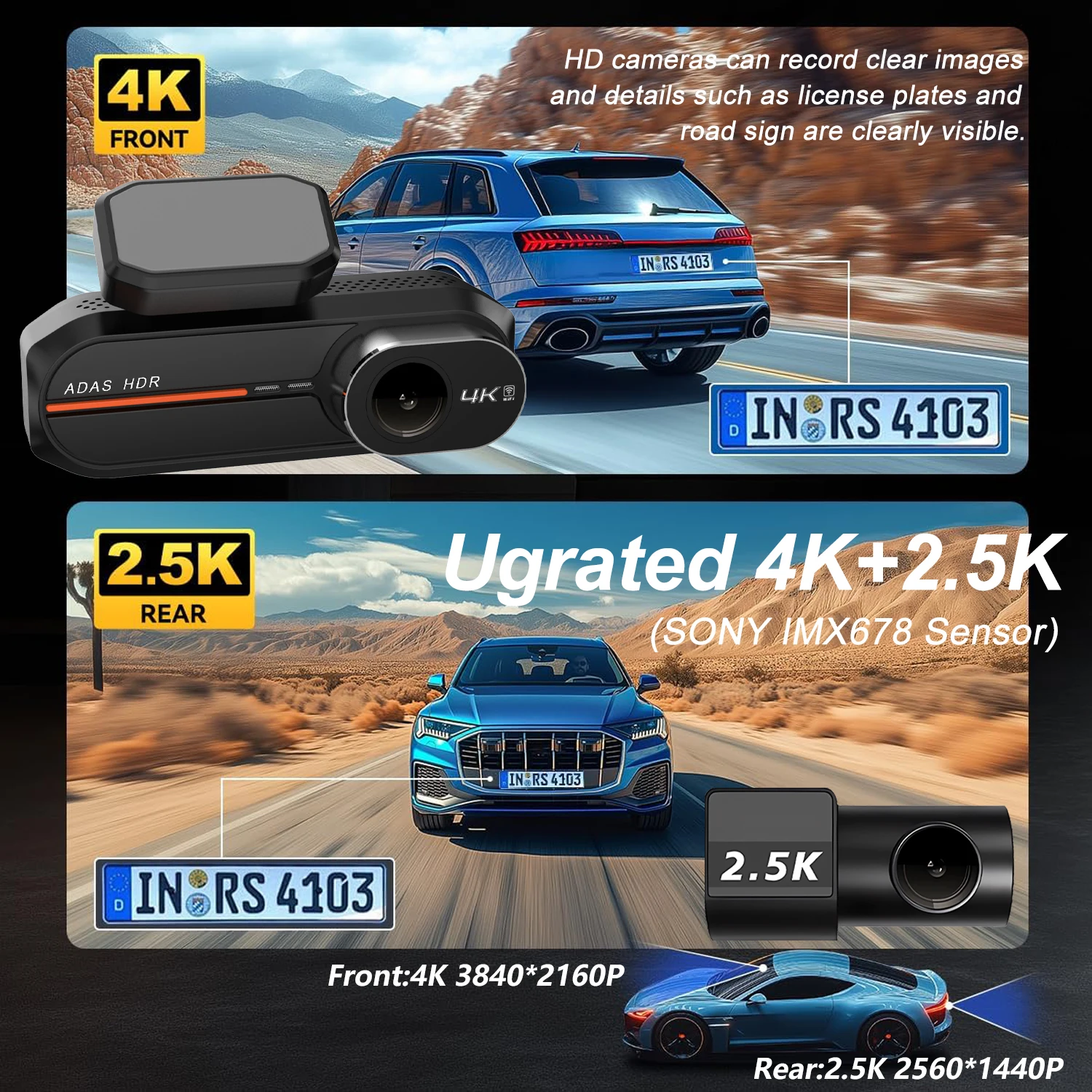
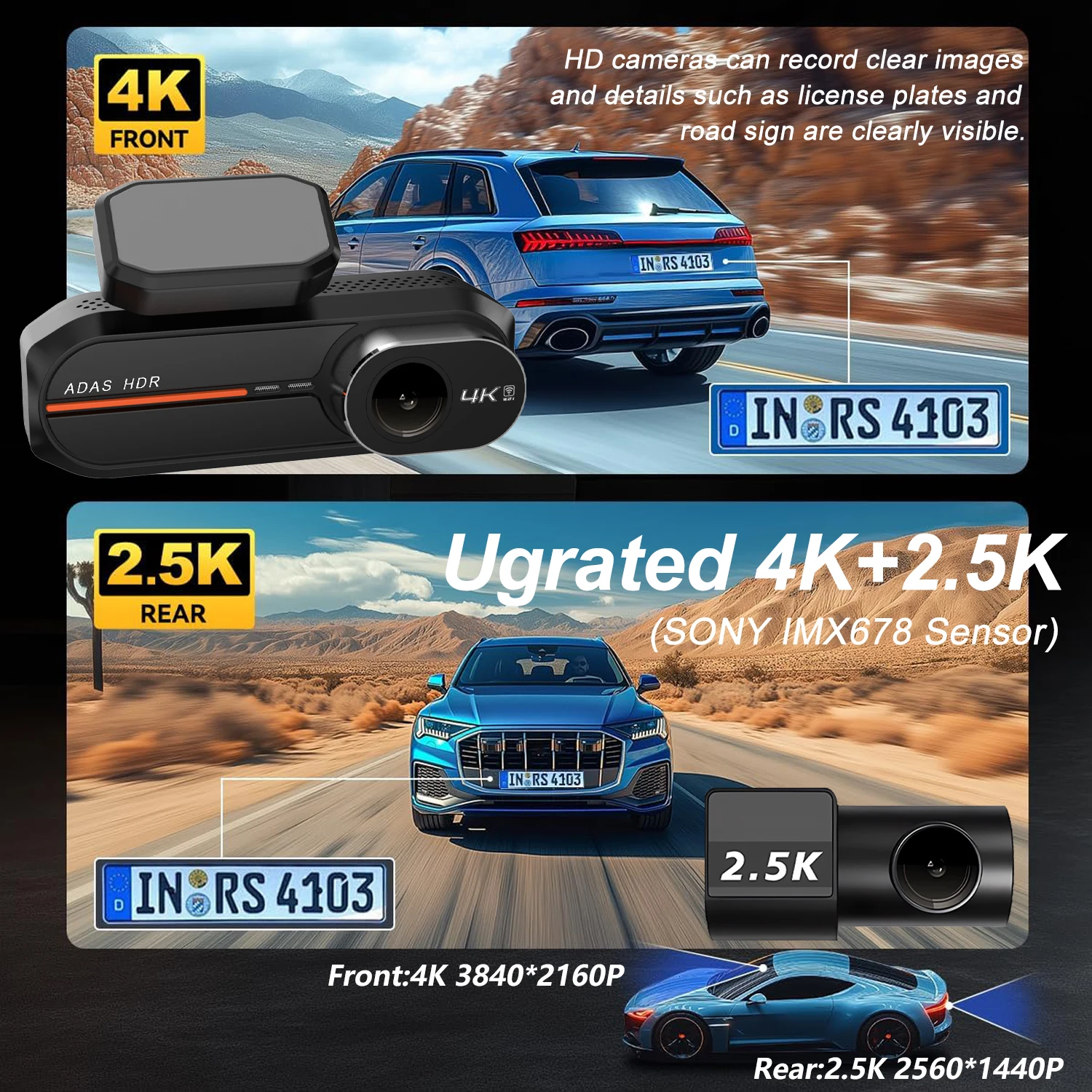
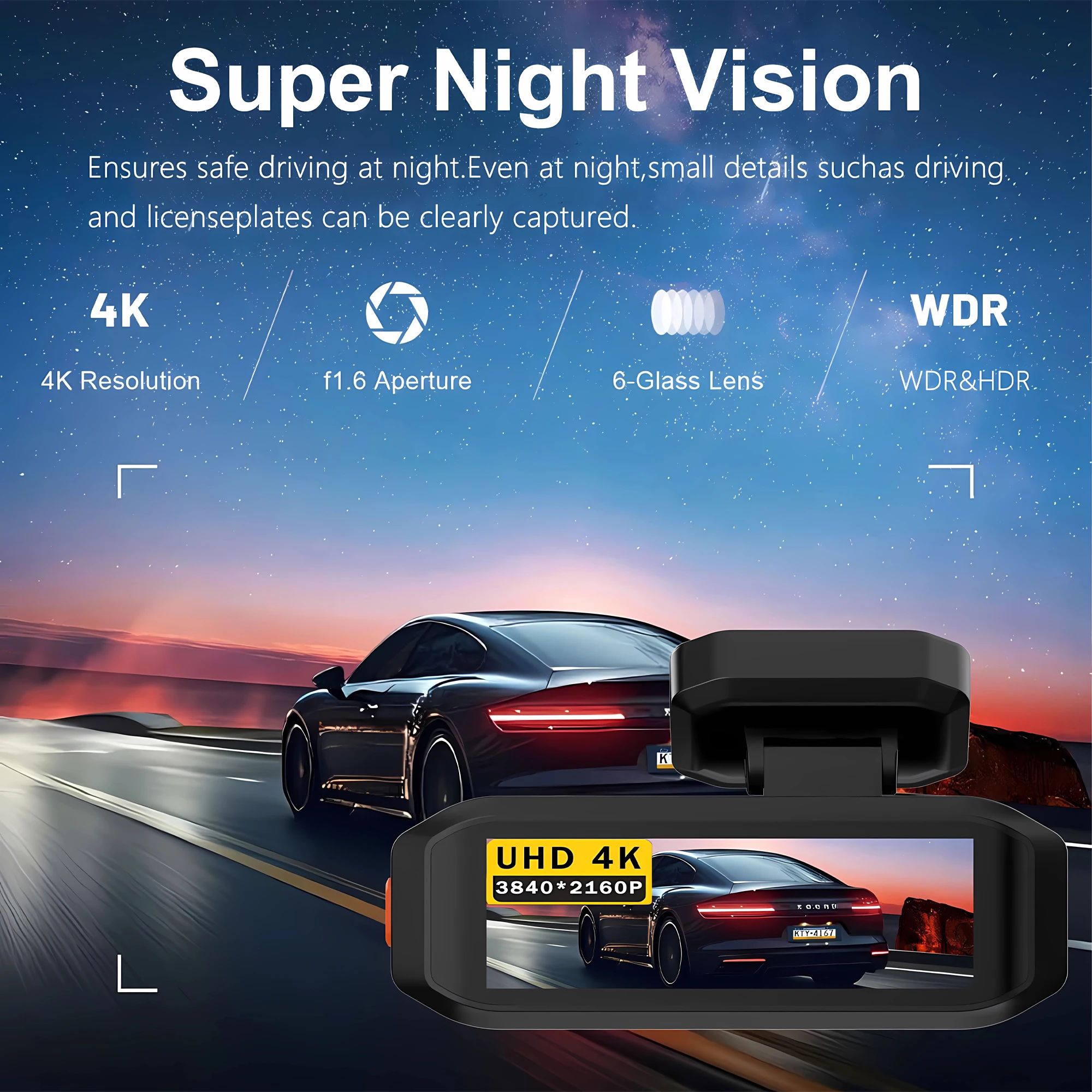
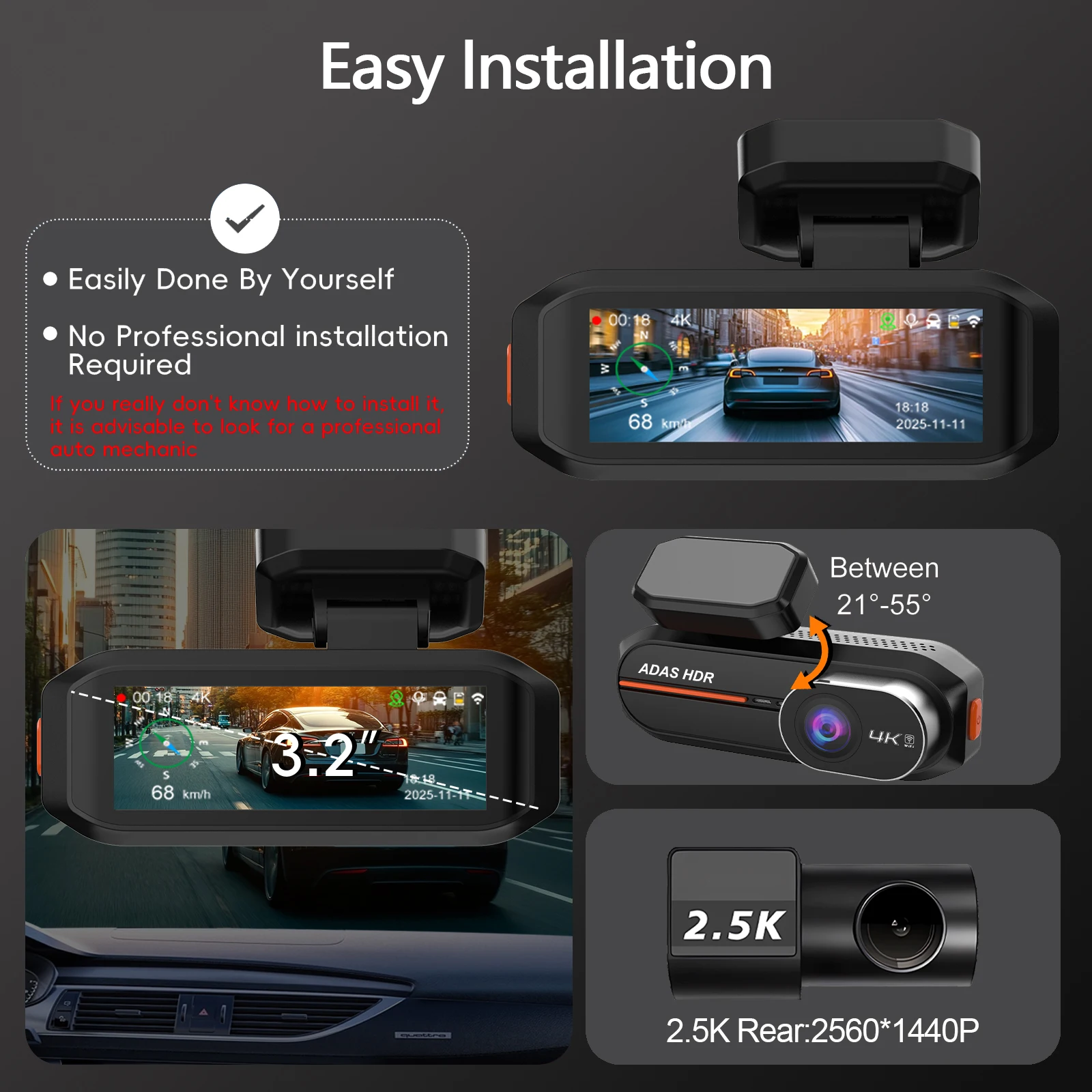
The dash cam captures crystal-clear footage in 4K+2.5K resolution, ensuring every detail is captured.
Wi-Fi & GPS Integration
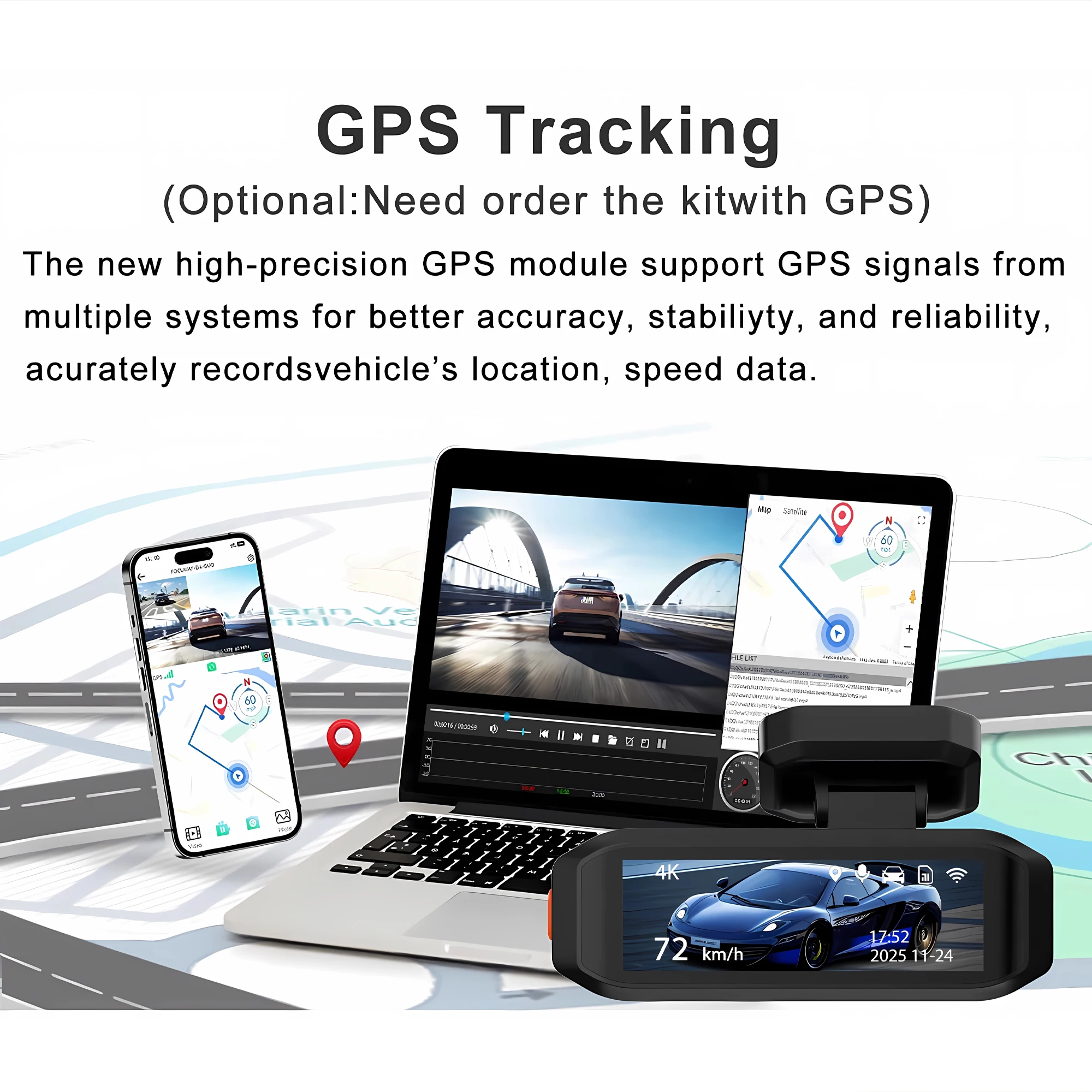
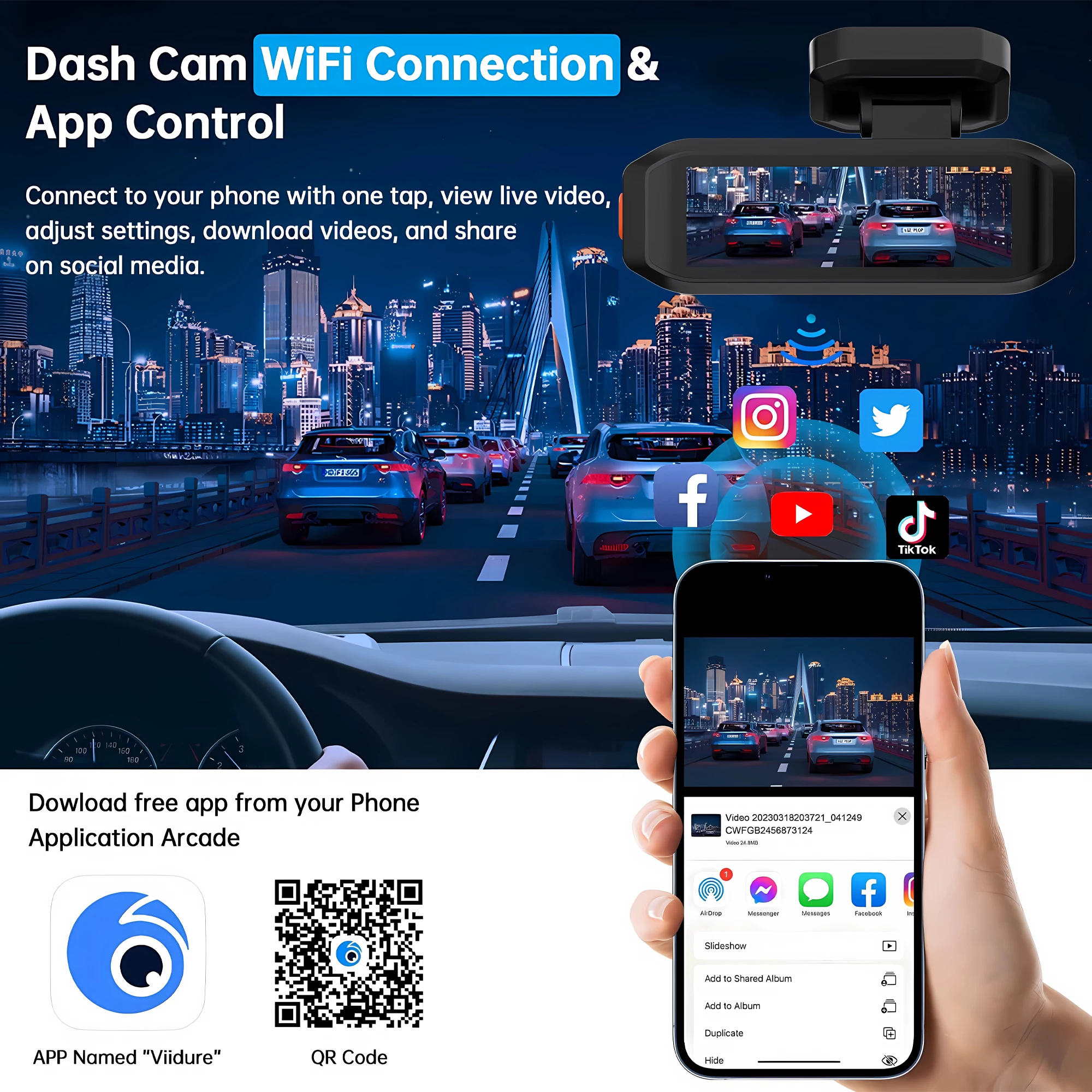
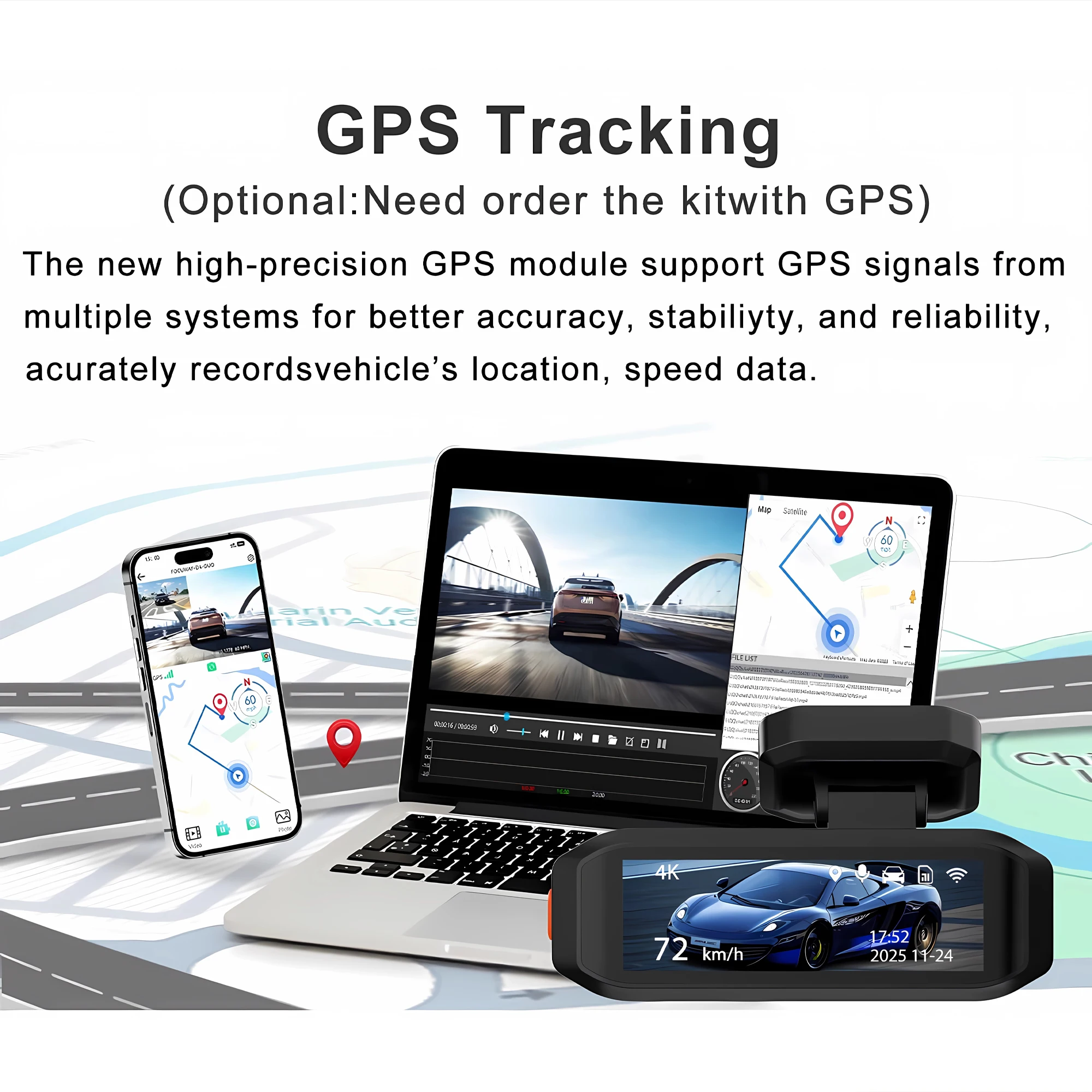
Seamlessly connect via Wi-Fi and GPS for real-time tracking and easy sharing of your journeys, enhancing the dash cam's functionality.
Dual Lens Recording
With dual lenses, this dash cam captures a 360-degree view, offering comprehensive coverage and security for your vehicle.
Large Memory Capacity
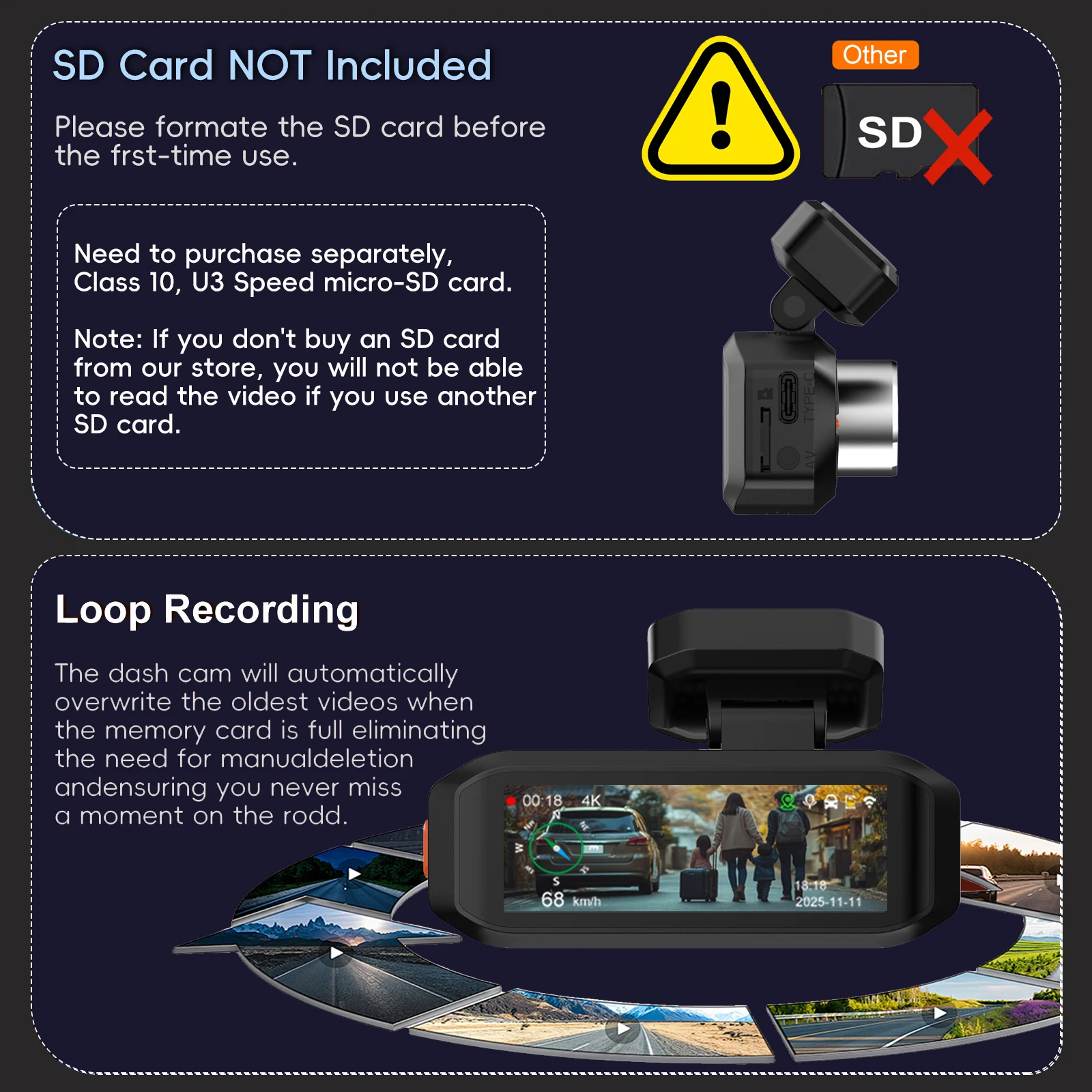
Supports up to 512G of external memory, allowing you to store extensive footage without worrying about space limitations.
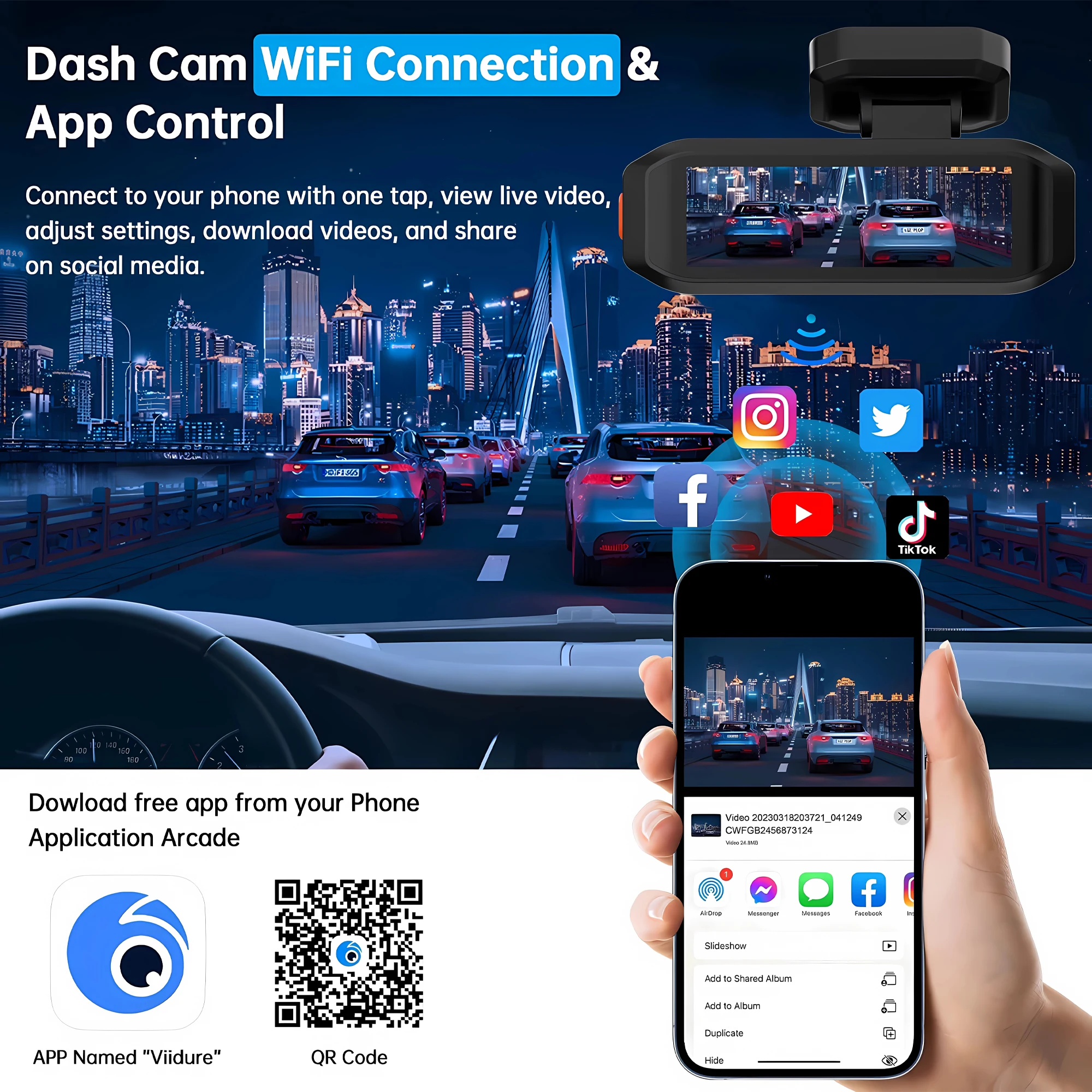
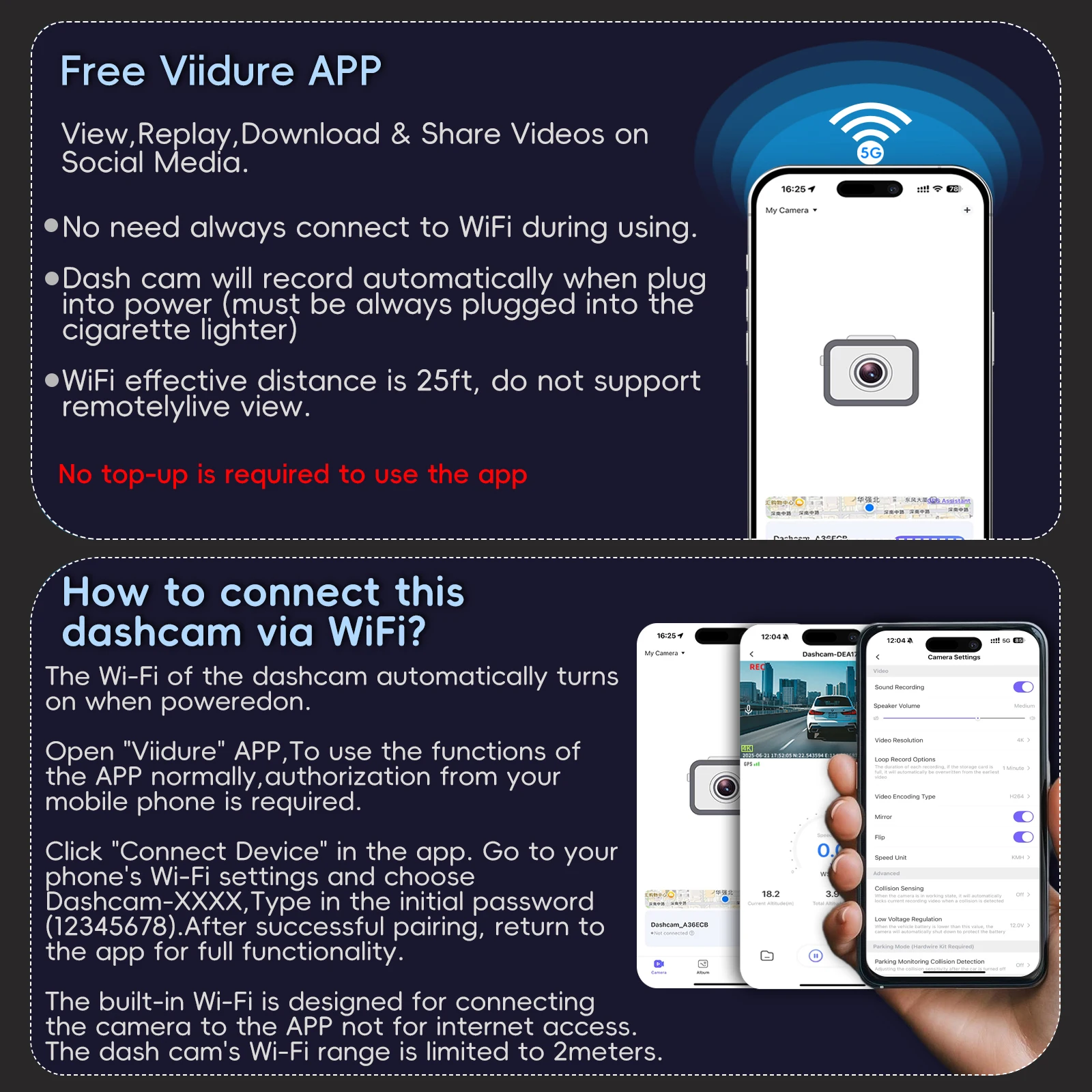
1. Before connecting to the DVR on the phone, it is necessary to install the WIFI connection app "Viidure APP" in advance.You can search for "Viidure" installation in the Apple App Store or Google App Market.
2.Open the "Viidure" APP on your phone, enter the configuration mode, turn on the wifi function of the phone, follow the prompts to find the SSID wifi signal(***) of the DVR and enter the password(12345678) to connect;
3.After successful configuration, you can connect and operate the DVR through the "Viidure" APP.
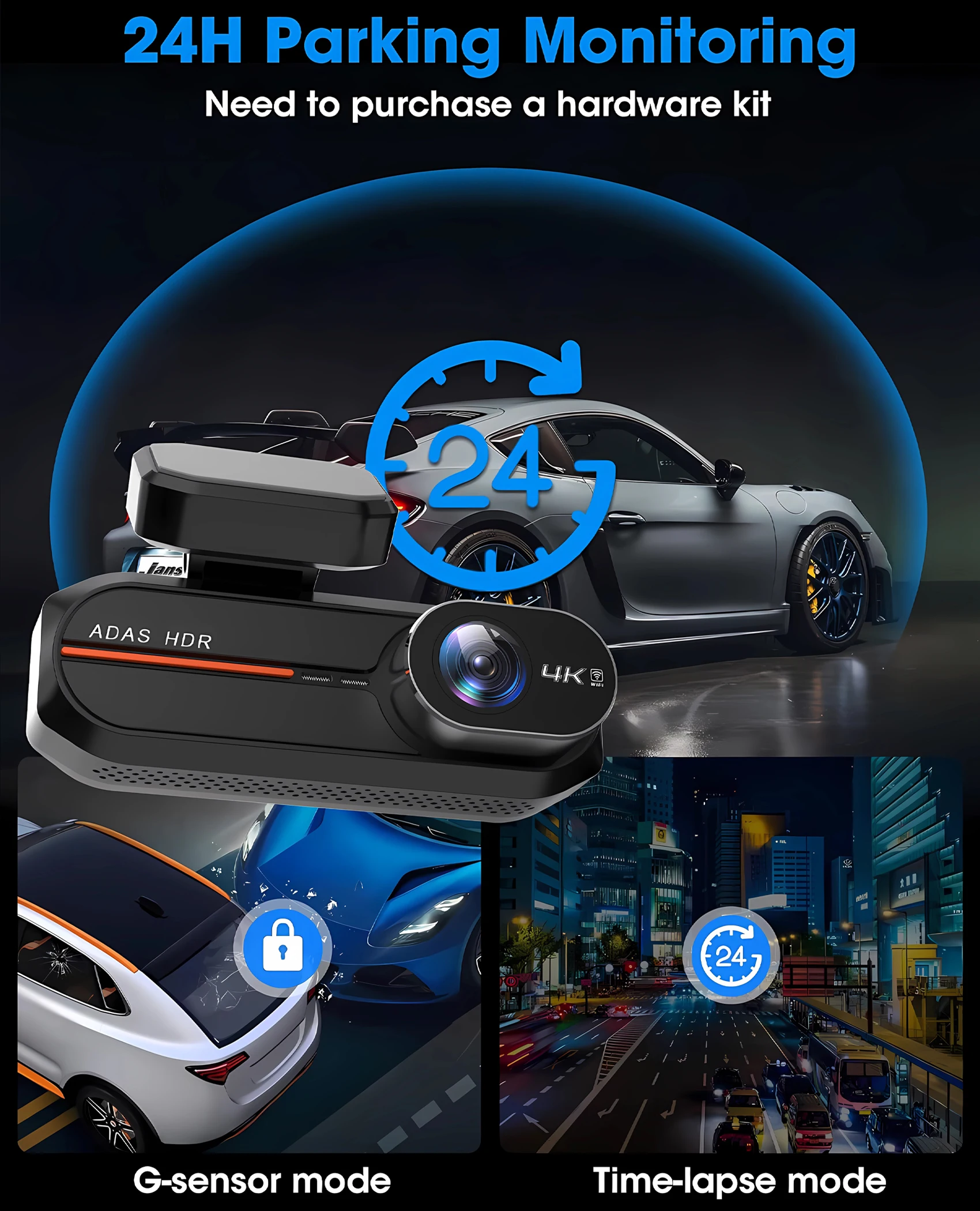
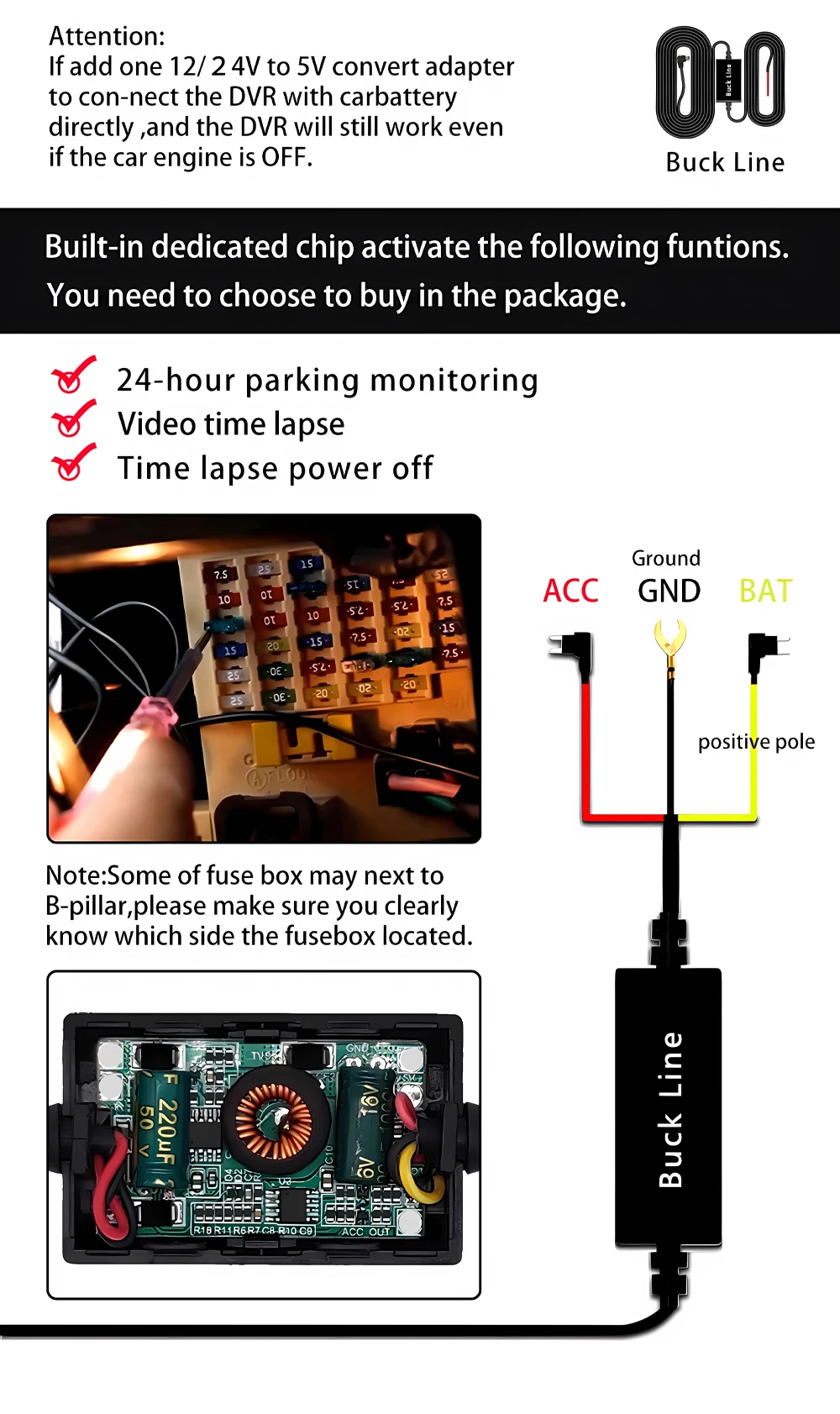
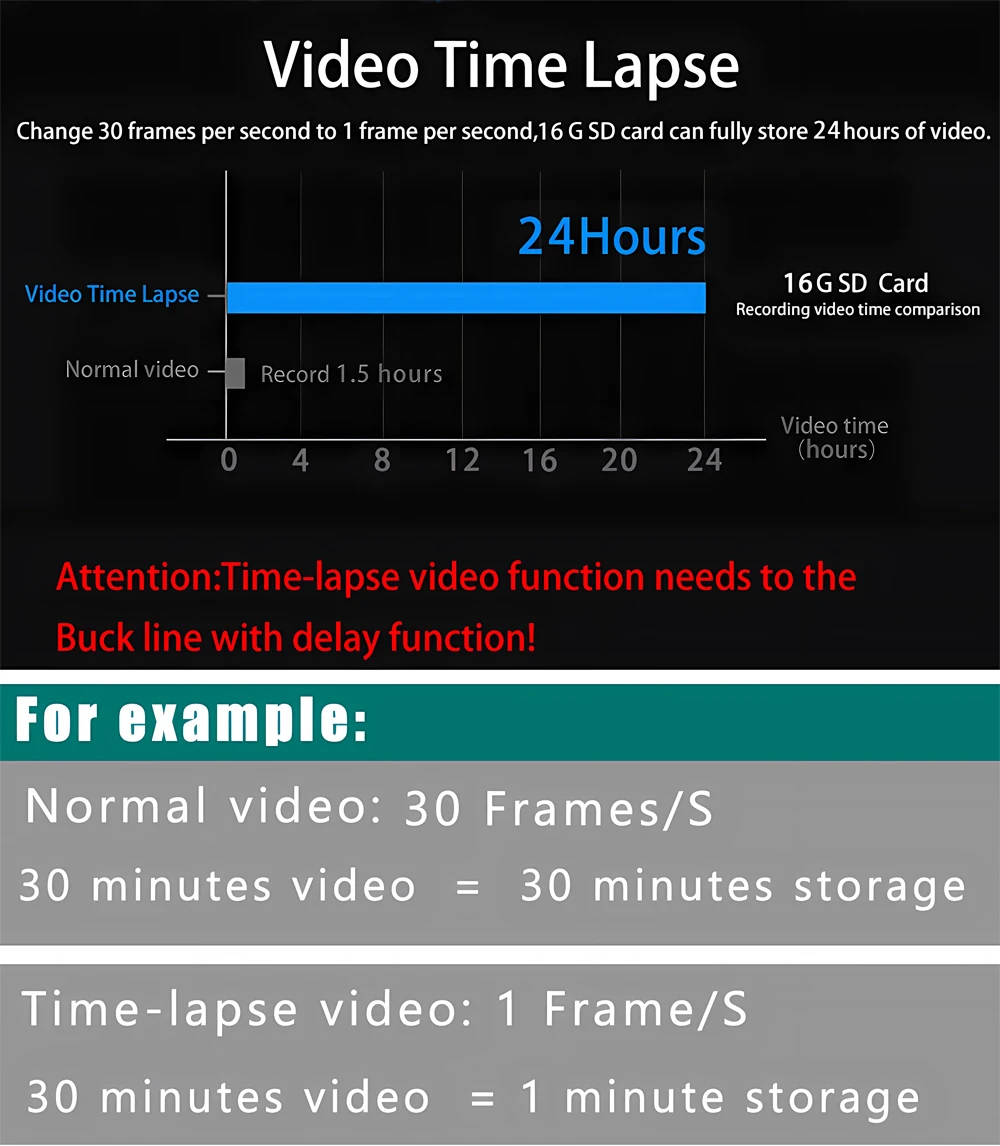
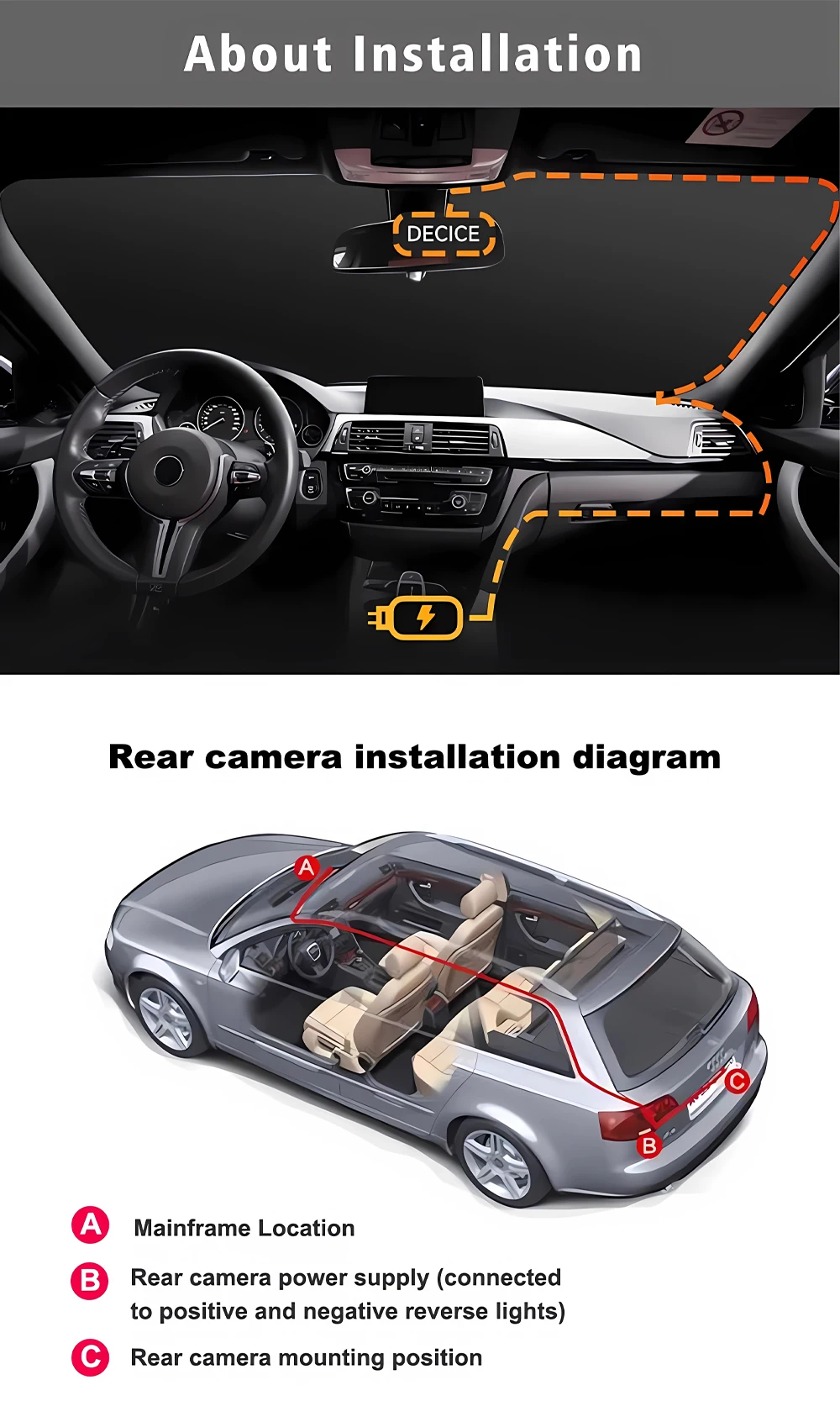
If you need the 24 hour parking monitoring function, you can order the corresponding Buck Line accessories to replace the car charger.Through Buck Line, the DVR power can be obtained directly from the car battery or car ACC, so that the DVR can maintain normal recording work even when the car is turned off.(Since different car models have different battery interfaces or ACC interfaces, it is not recommended to install it by yourself. It is recommended to find a professional to install the Buck Line.)
About The Installation And Use Of GPS:
1. Connect the GPS module to the DVR;
2. Install the DVR on the car and start the recording mode. Start the car outdoors and drive for a certain distance. The GPS module will automatically capture the satellite signal and the DVR will automatically record the video with the GPS driving track.
Video Playback Of GPS Tracks:
1. Install the GPS dedicated video player "Hit GPS Player" on your computer. Please enter the link below in yor computer browser to download and install;
Download link: https://pcgps.ce2ce.com/hit/hitplayer.html
2. Open the recorded DVR video with GPS track information on the computer through "Hit GPS Player" to play back the GPS driving track.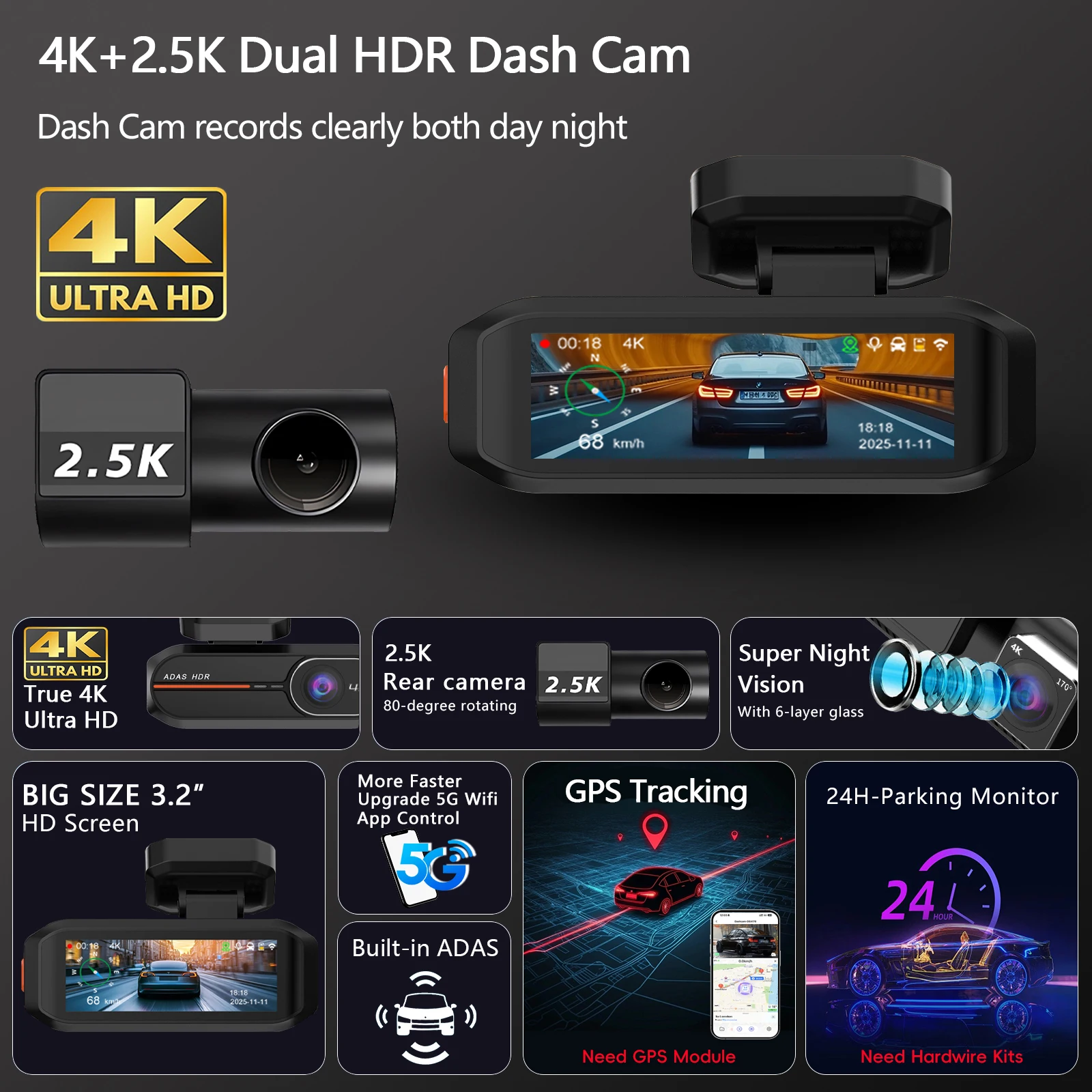









Reviews
There are no reviews yet.