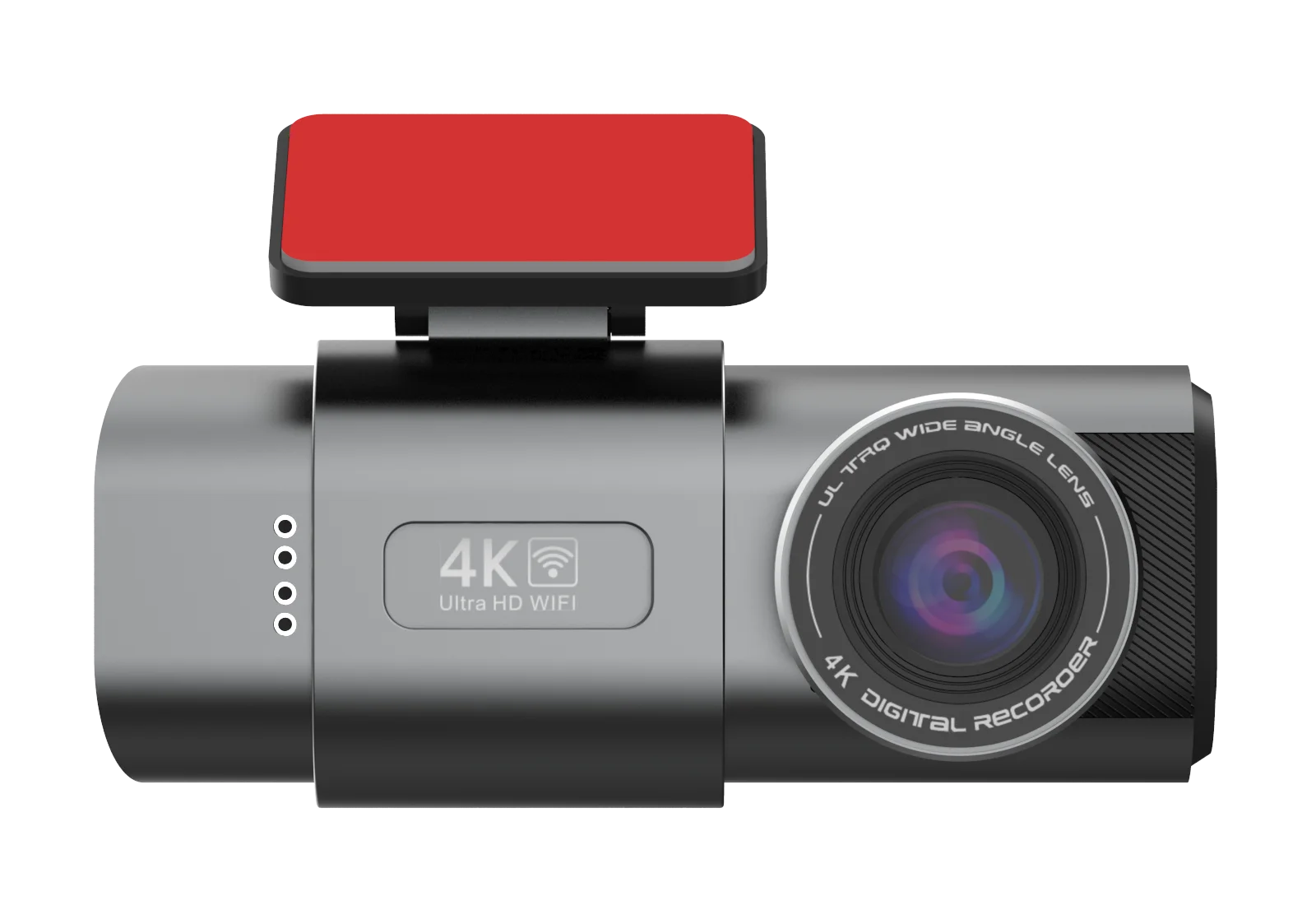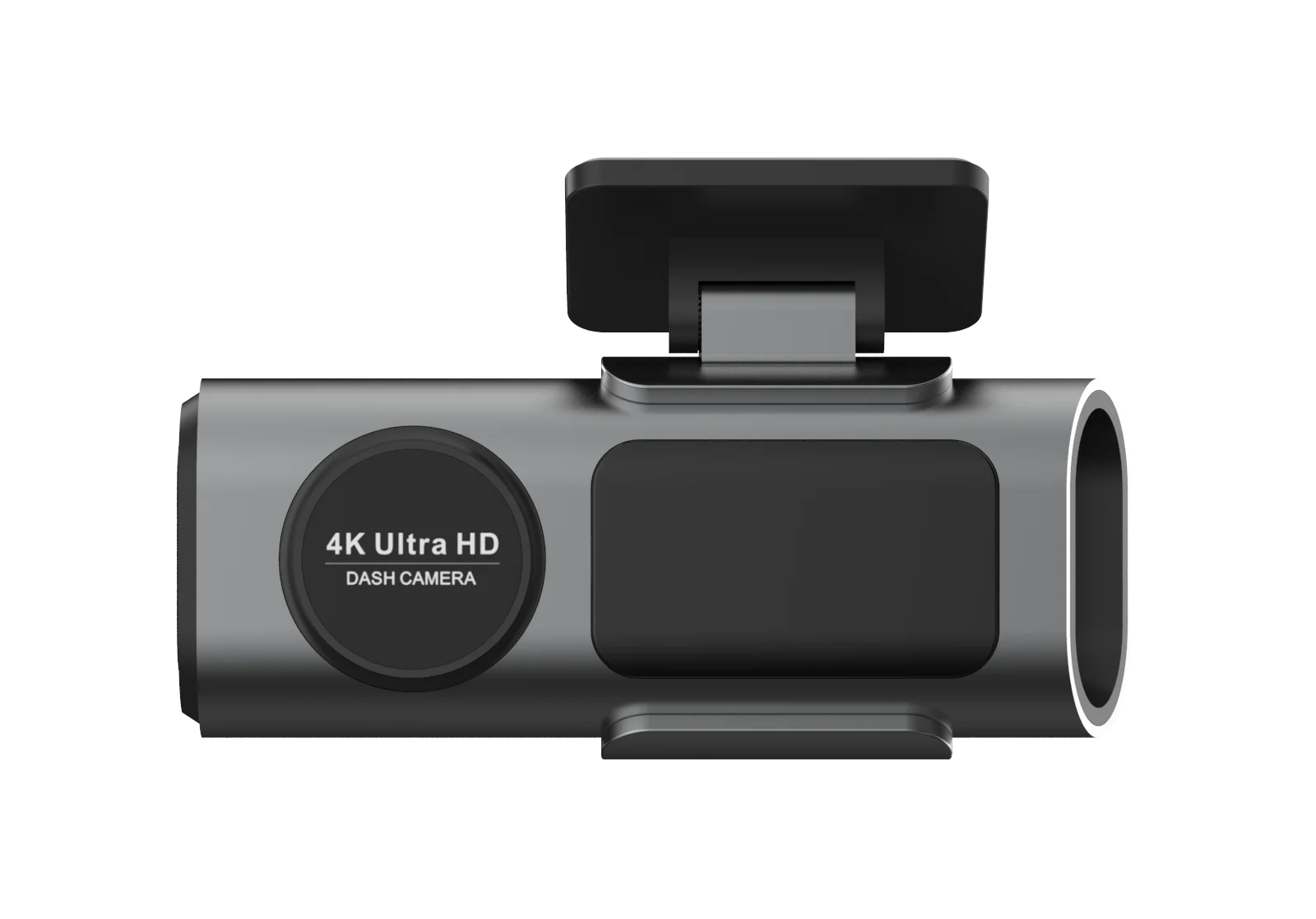


Dash Cam 4K UHD Recording Car Camera DVR HDR Night Vision Video Recorder Built-In Wi-Fi Support GPS 24H Parking APP Monitor

Dash Cam 4K UHD Recording Car Camera DVR HDR Night Vision Video Recorder Built-In Wi-Fi Support GPS 24H Parking APP Monitor

Price range: UGX 56 through UGX 93

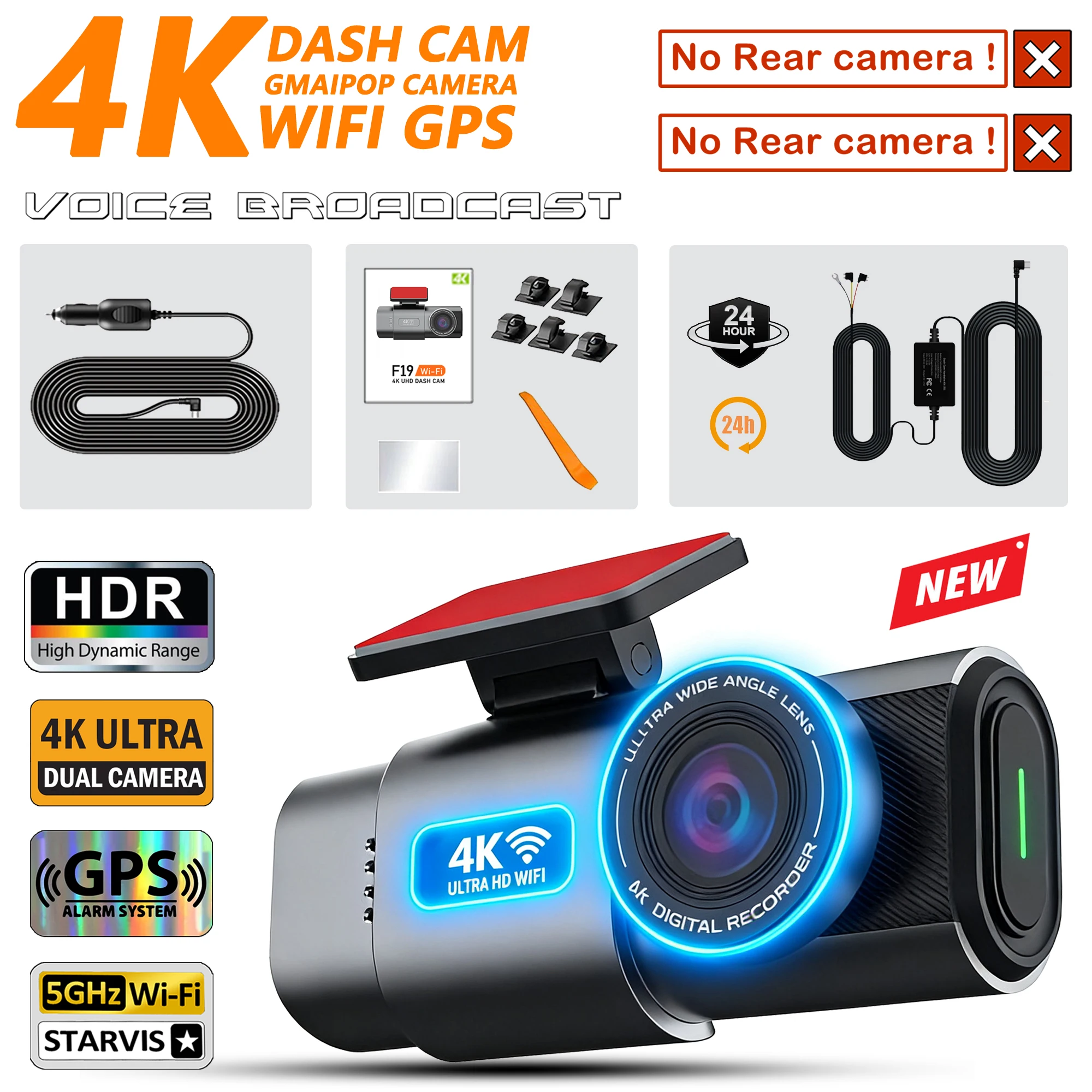
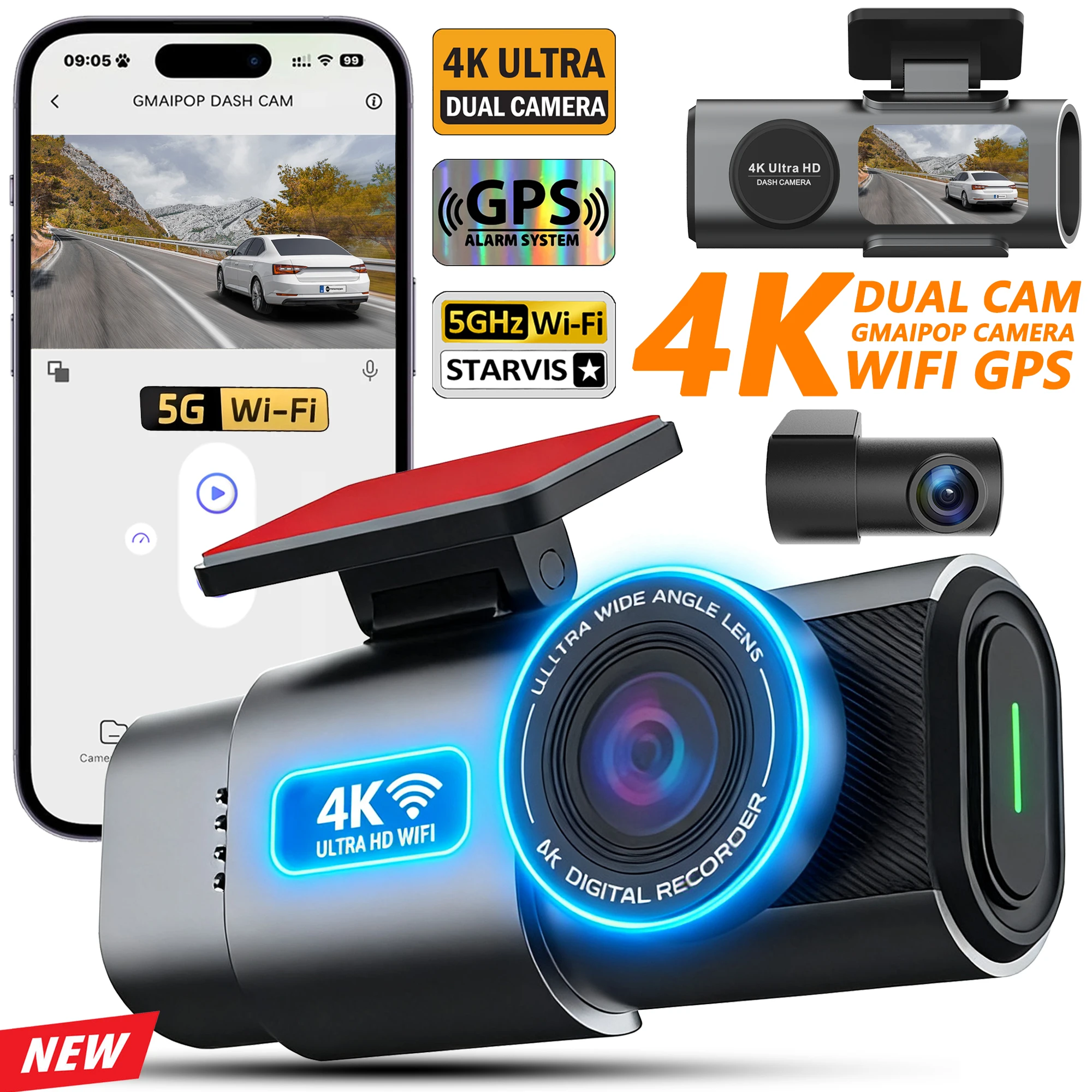
Description: ● Imaging sensor: Sony IMX415 ● Resolution: Front 4K + Rear 1080P 170 degrees ● Features :Loop Recording ; G-sensor ;Parking Monitoring(Requires Hardwirekit); Mobile Detection. ● Memory Card: Max 512G Transfer speed class10 format FAT32 ● Power Interface: USB2.0/5V-2.5A ● Battery: 150mAh (It can't be turned on without power supply!) ● OSD Languages: English, Russian, Dutch, French, Spanish, Portuguese, German, Italian, Chinese, Japanese, Korean, Polish, Thai, Vietnamese,tc….. (You can change the desired language on the app) ● Customer service email: ricardozed23@gmail.com (Please describe the problem you encountered and send videos or photos if possible. You will not suffer any…

Secure Payment Methods
converswp-trust-badge
SKU: 1005010537873015
Category:

Description

Description:

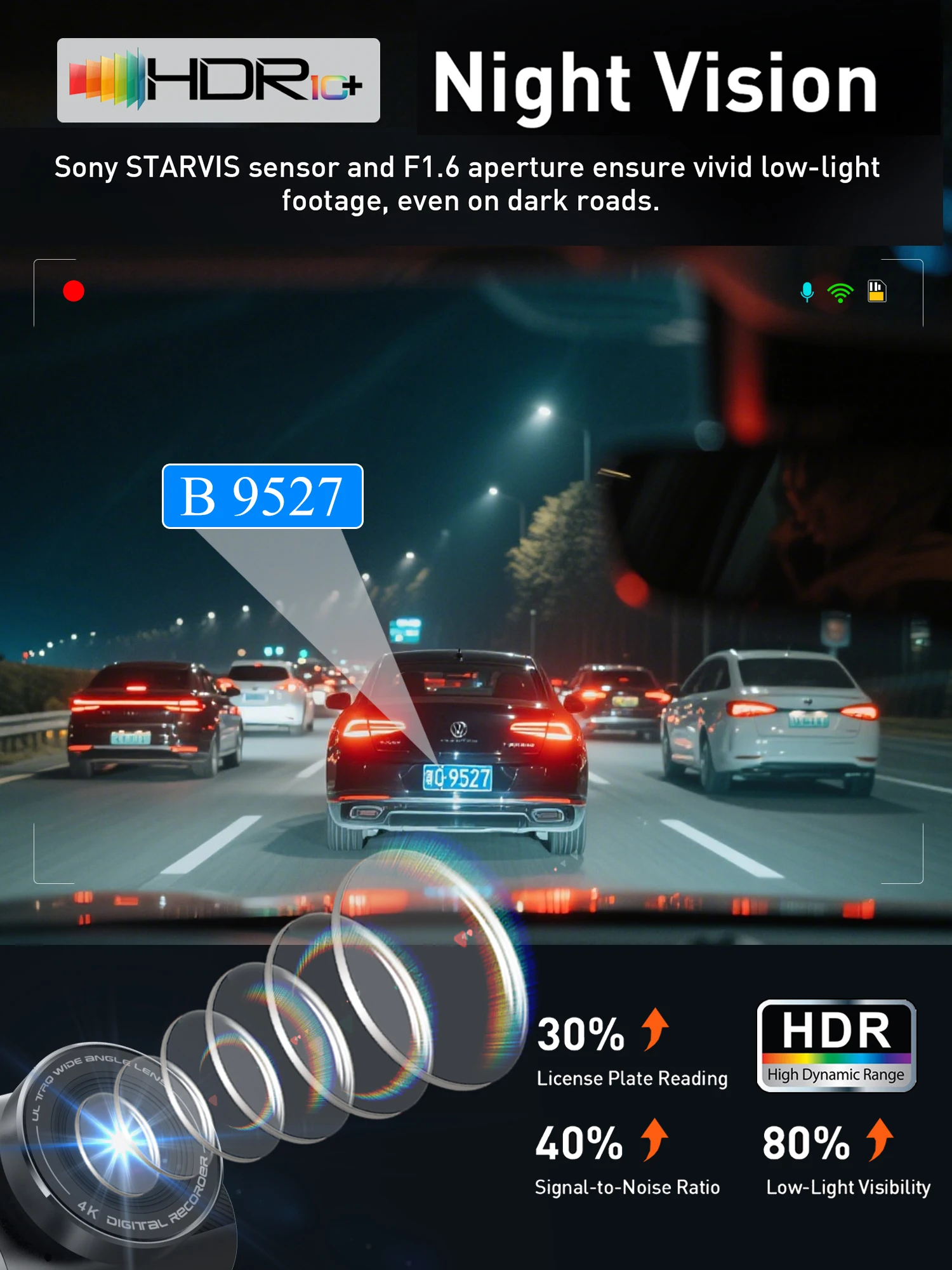
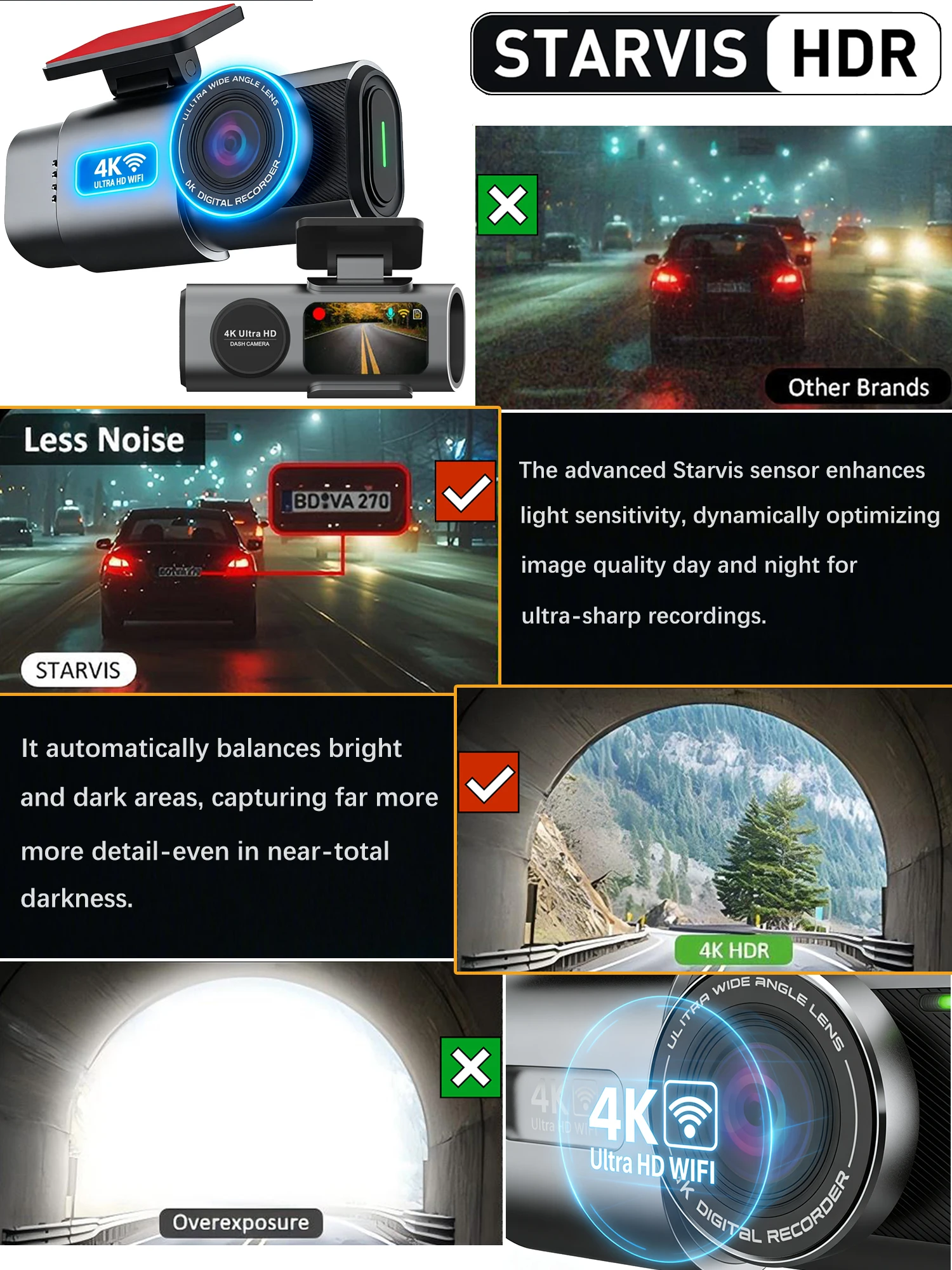
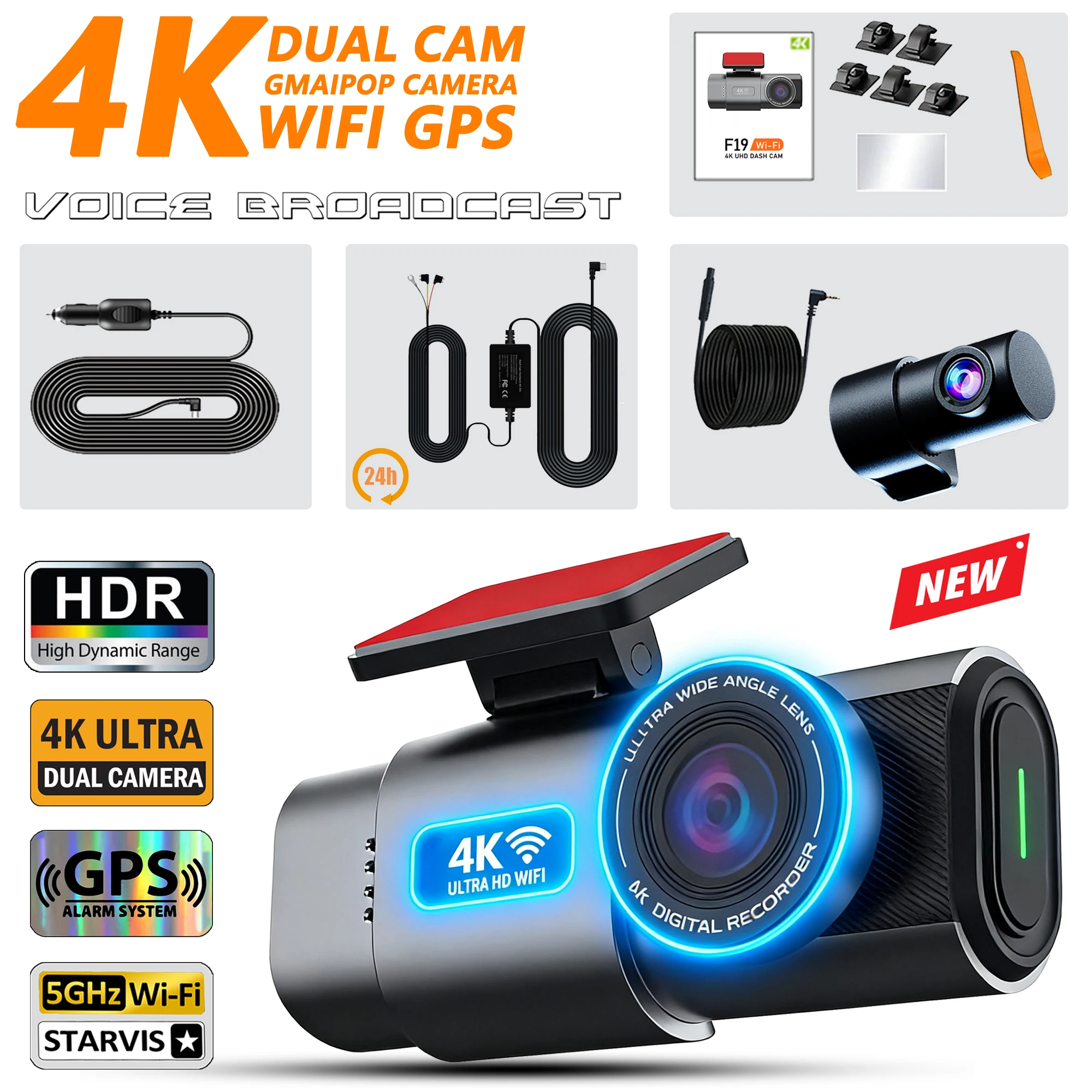
● Imaging sensor: Sony IMX415

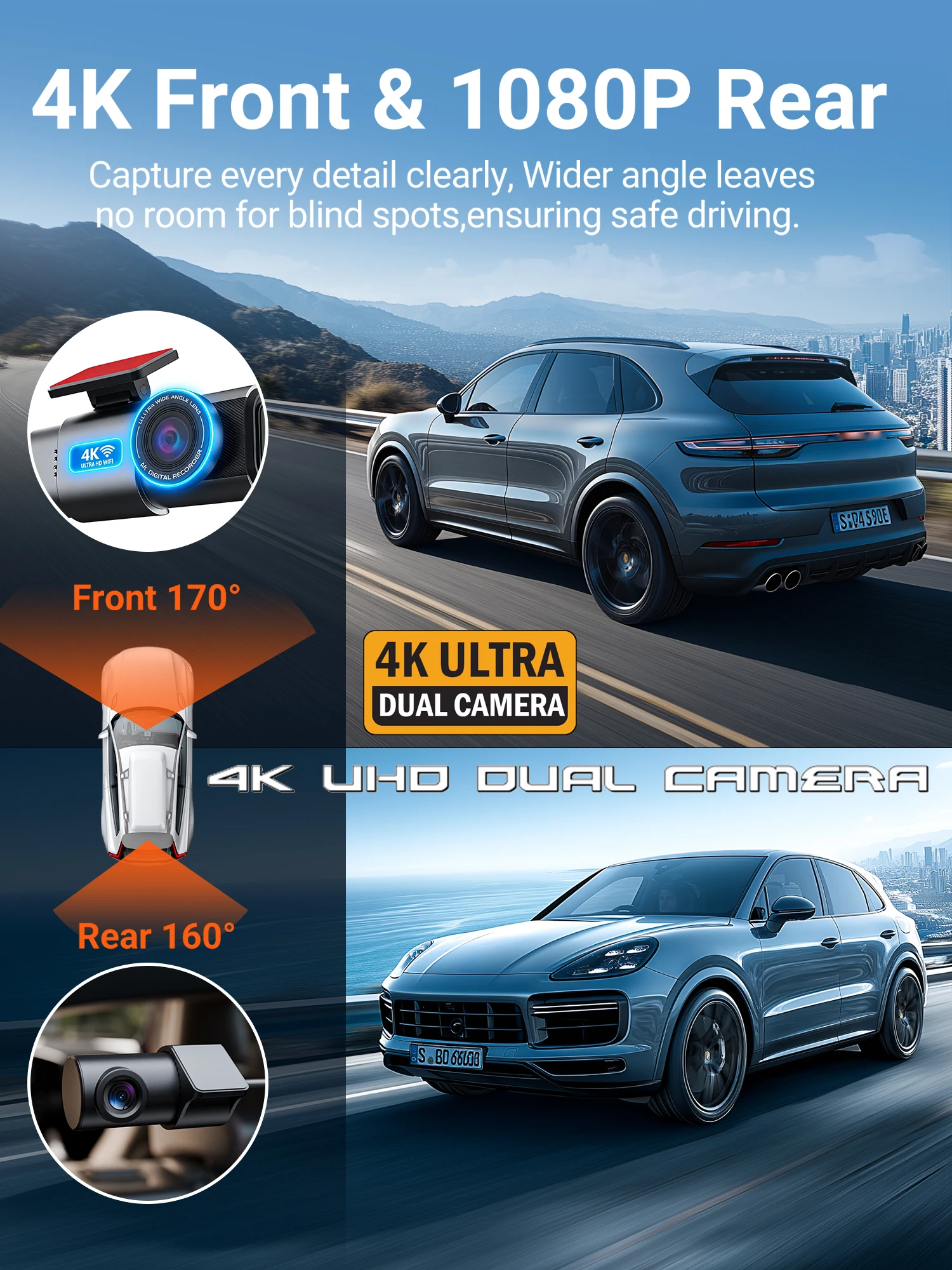
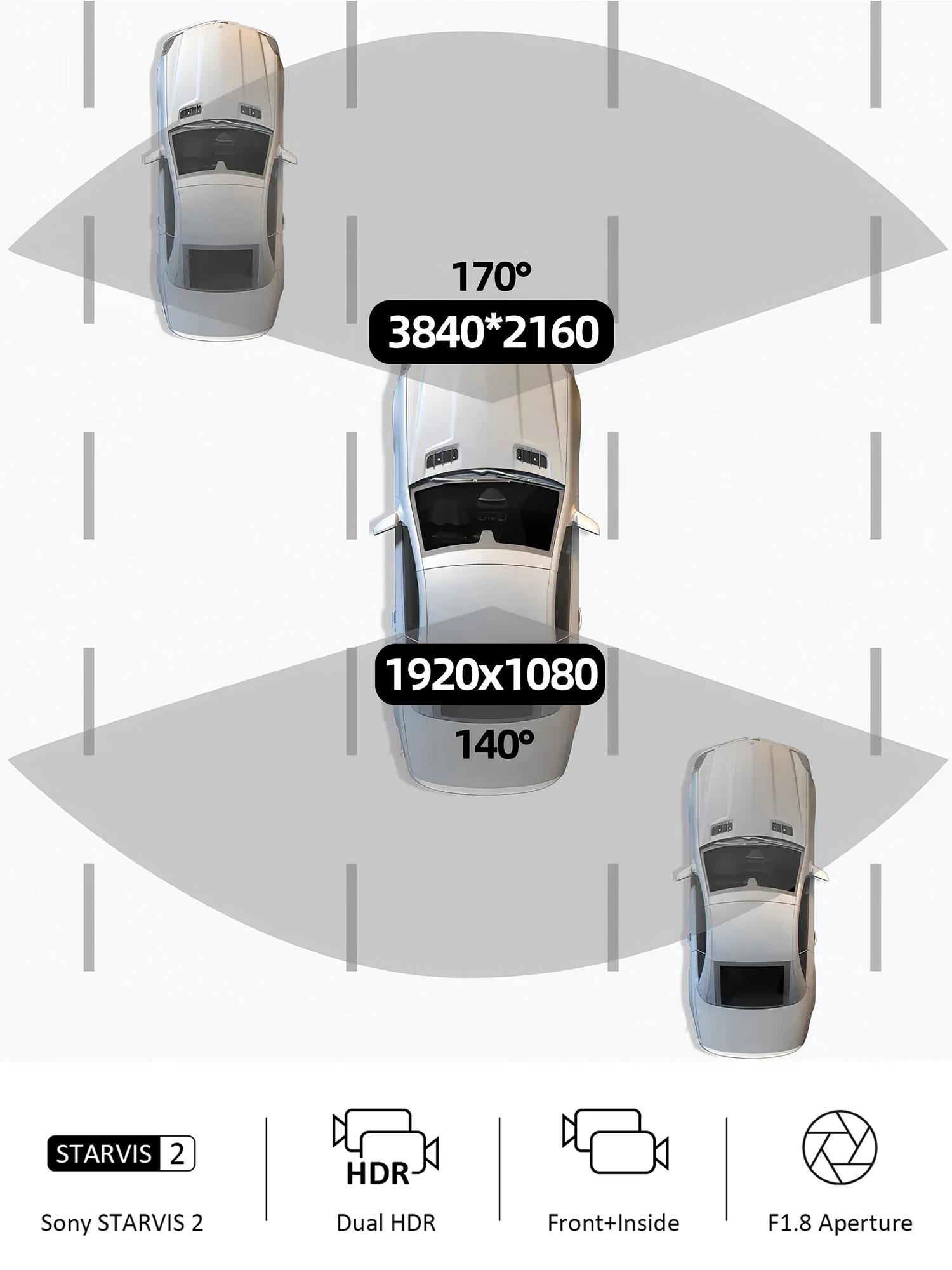
● Resolution: Front 4K + Rear 1080P 170 degrees

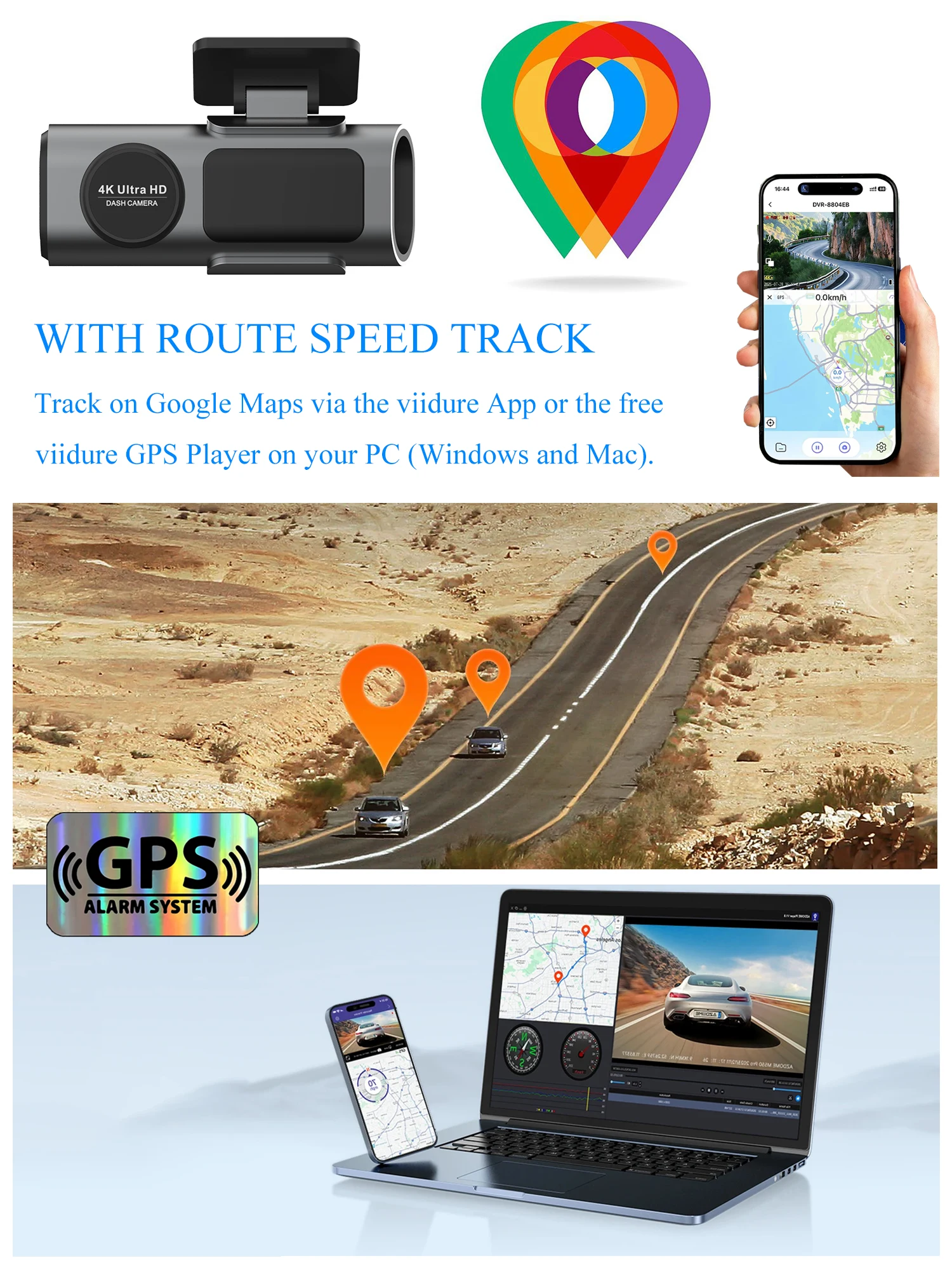
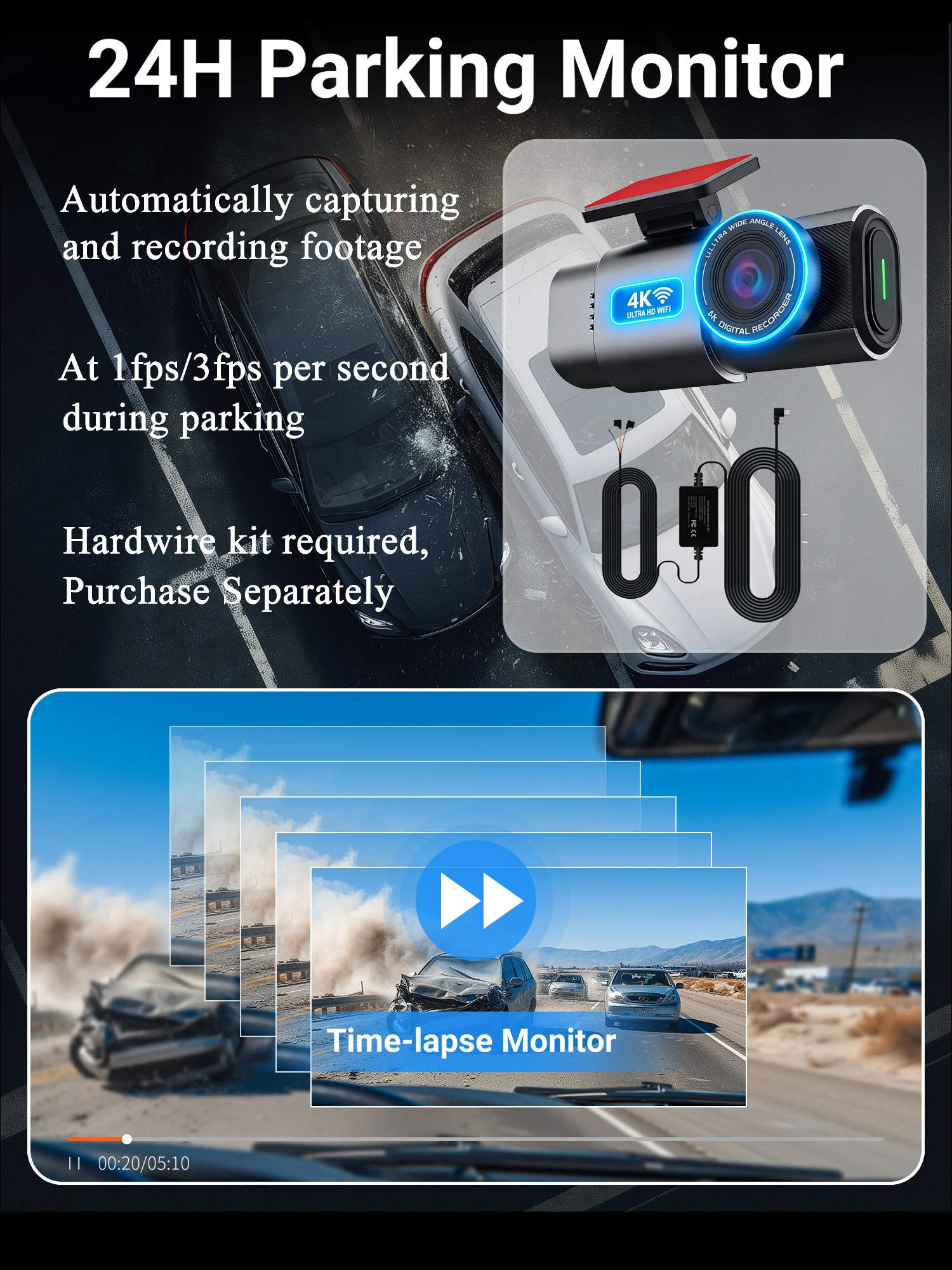
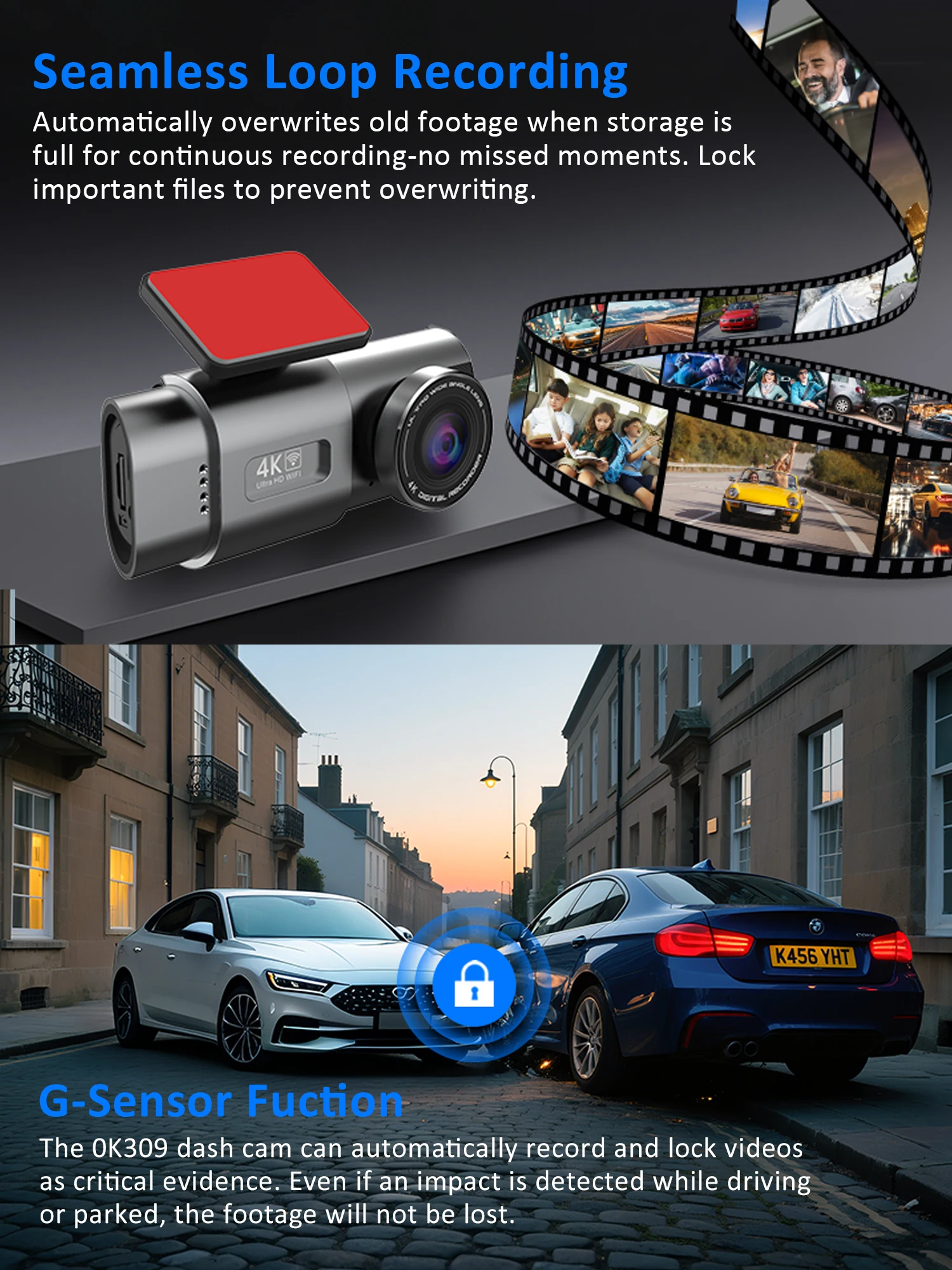
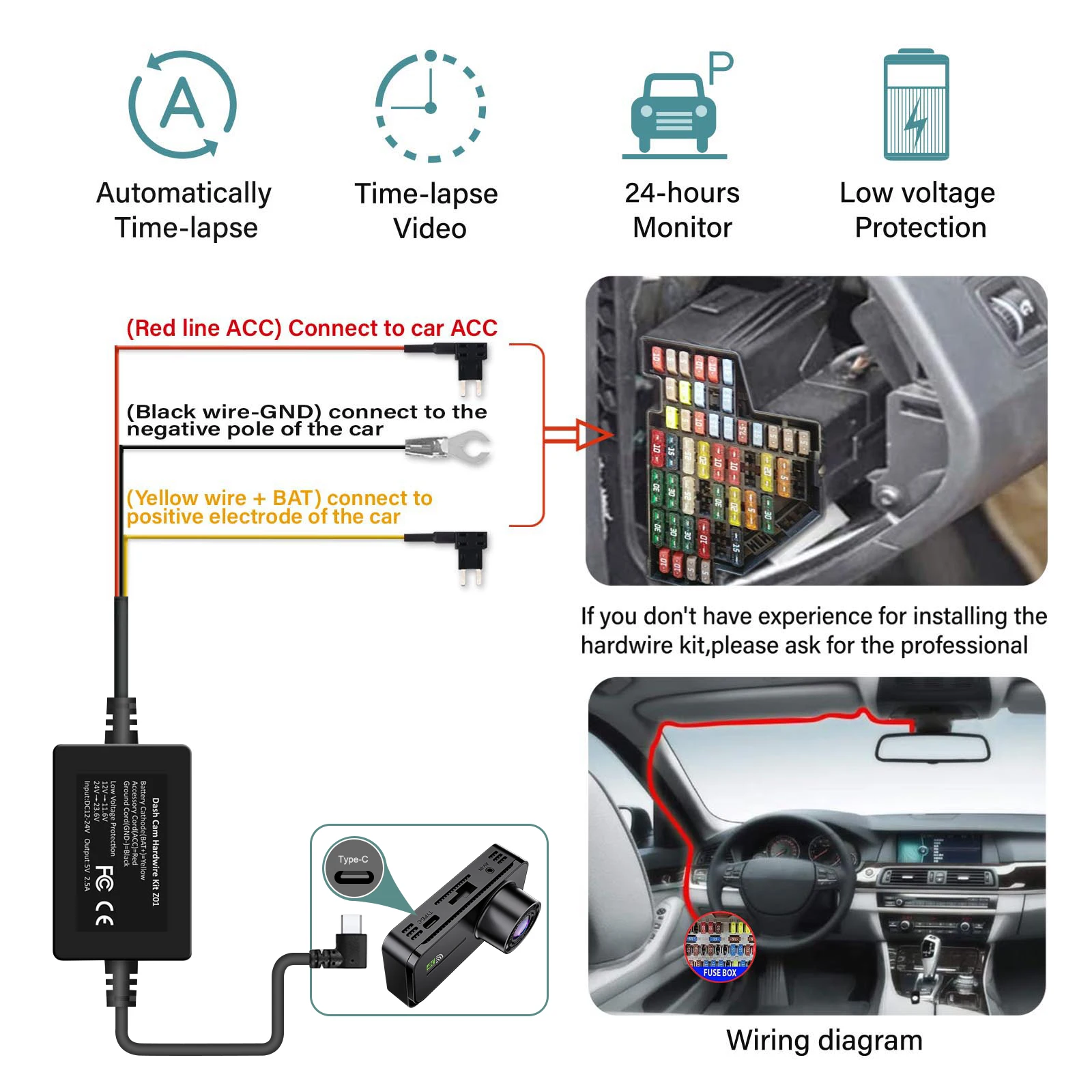
● Features :Loop Recording ; G-sensor ;Parking Monitoring(Requires Hardwirekit); Mobile Detection.

● Memory Card: Max 512G Transfer speed class10 format FAT32

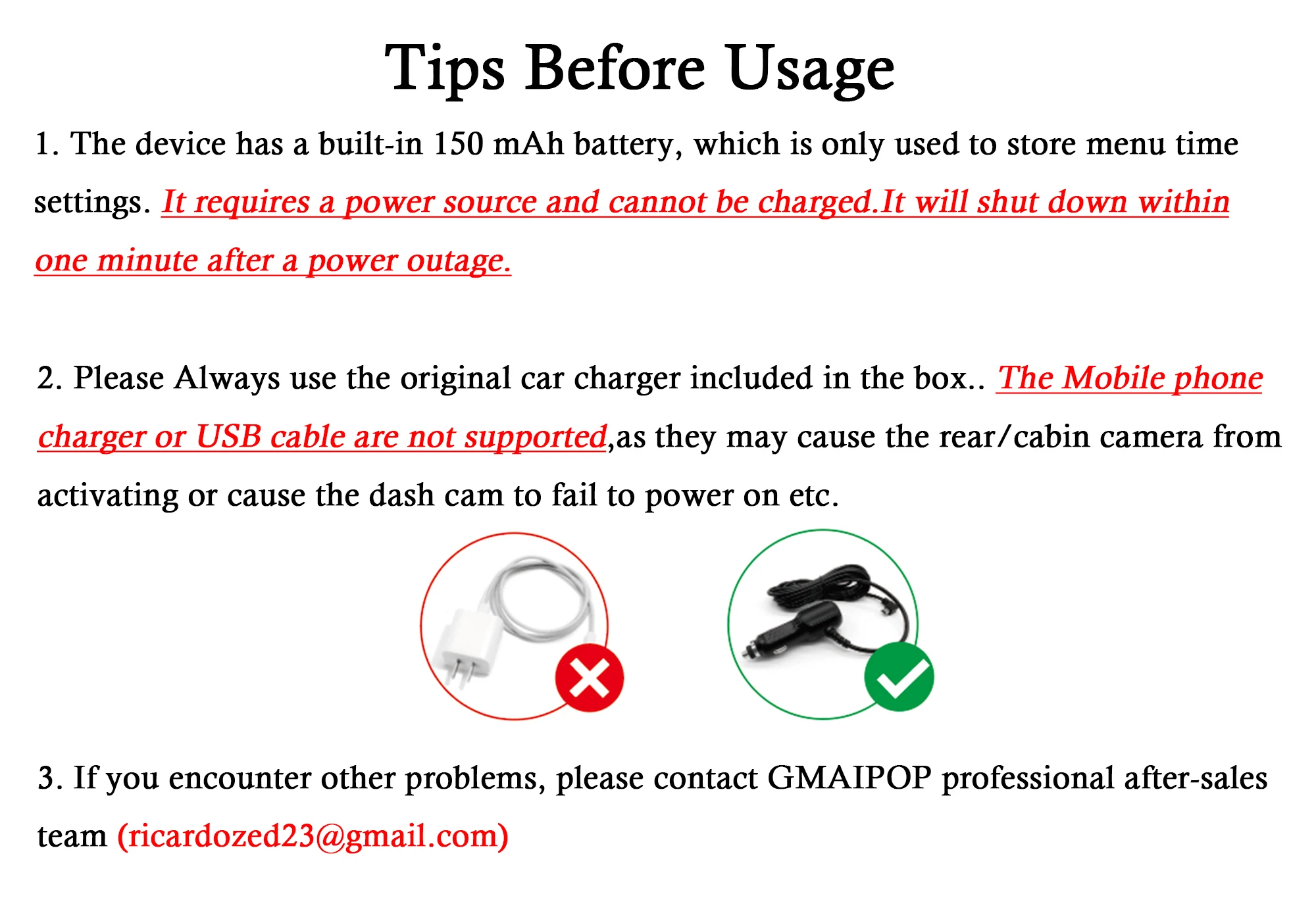
● Power Interface: USB2.0/5V-2.5A

● Battery: 150mAh (It can't be turned on without power supply!)

● OSD Languages: English, Russian, Dutch, French, Spanish, Portuguese, German, Italian, Chinese, Japanese, Korean, Polish, Thai, Vietnamese,tc….. (You can change the desired language on the app)

● Customer service email: ricardozed23@gmail.com (Please describe the problem you encountered and send videos or photos if possible. You will not suffer any loss during the camera warranty period. Please do not initiate disputes. Thank you)

Steps:

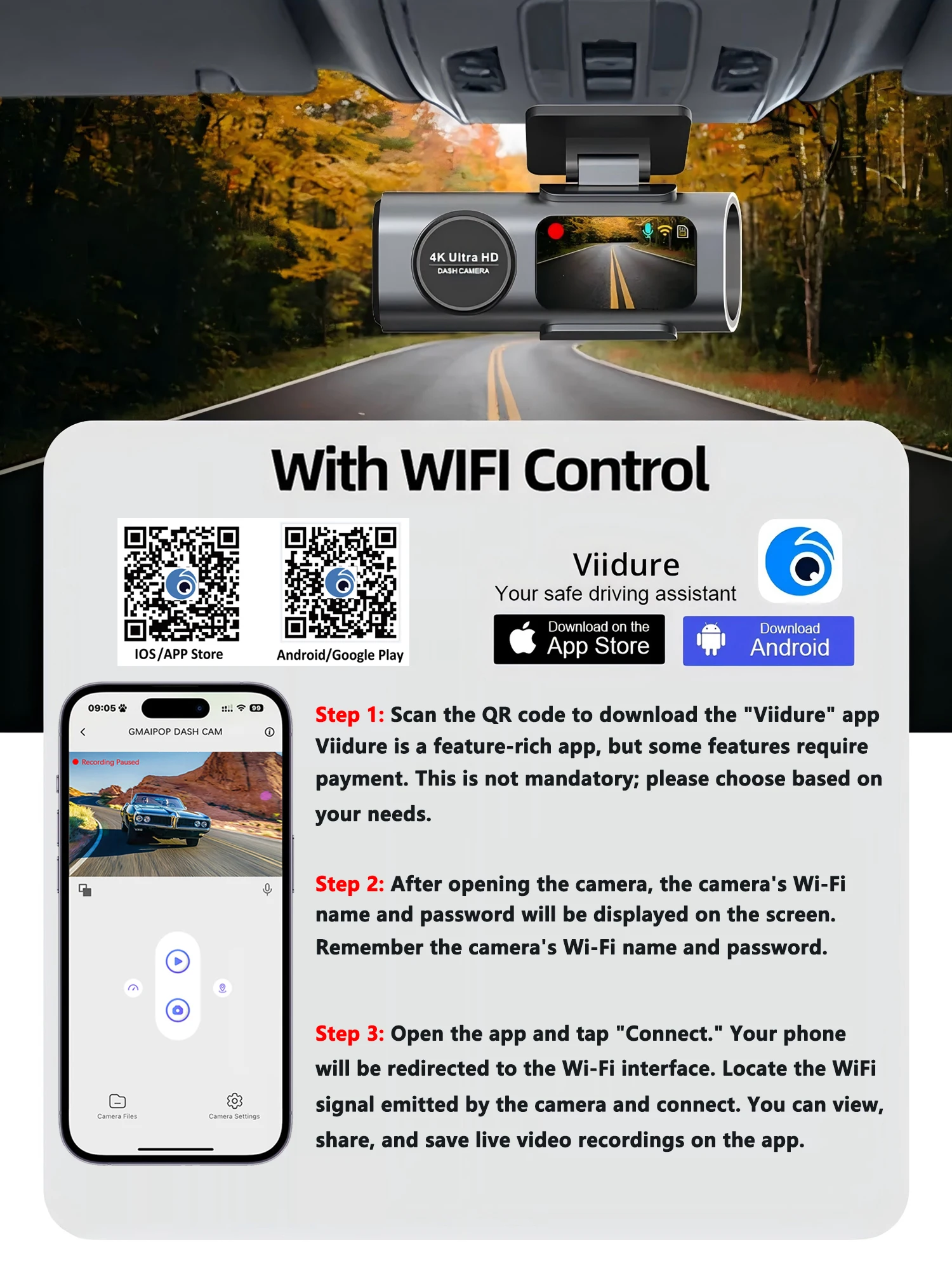
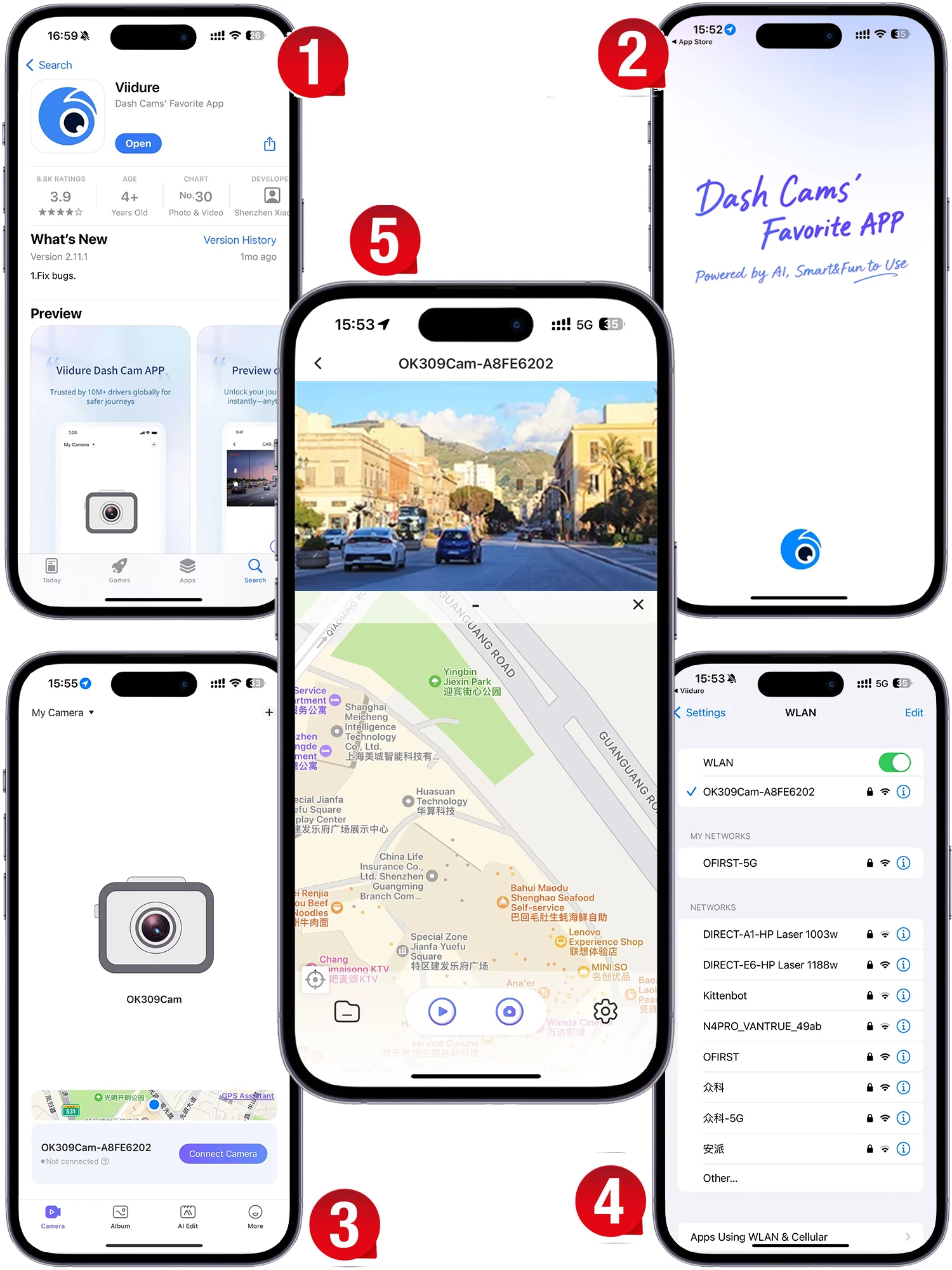
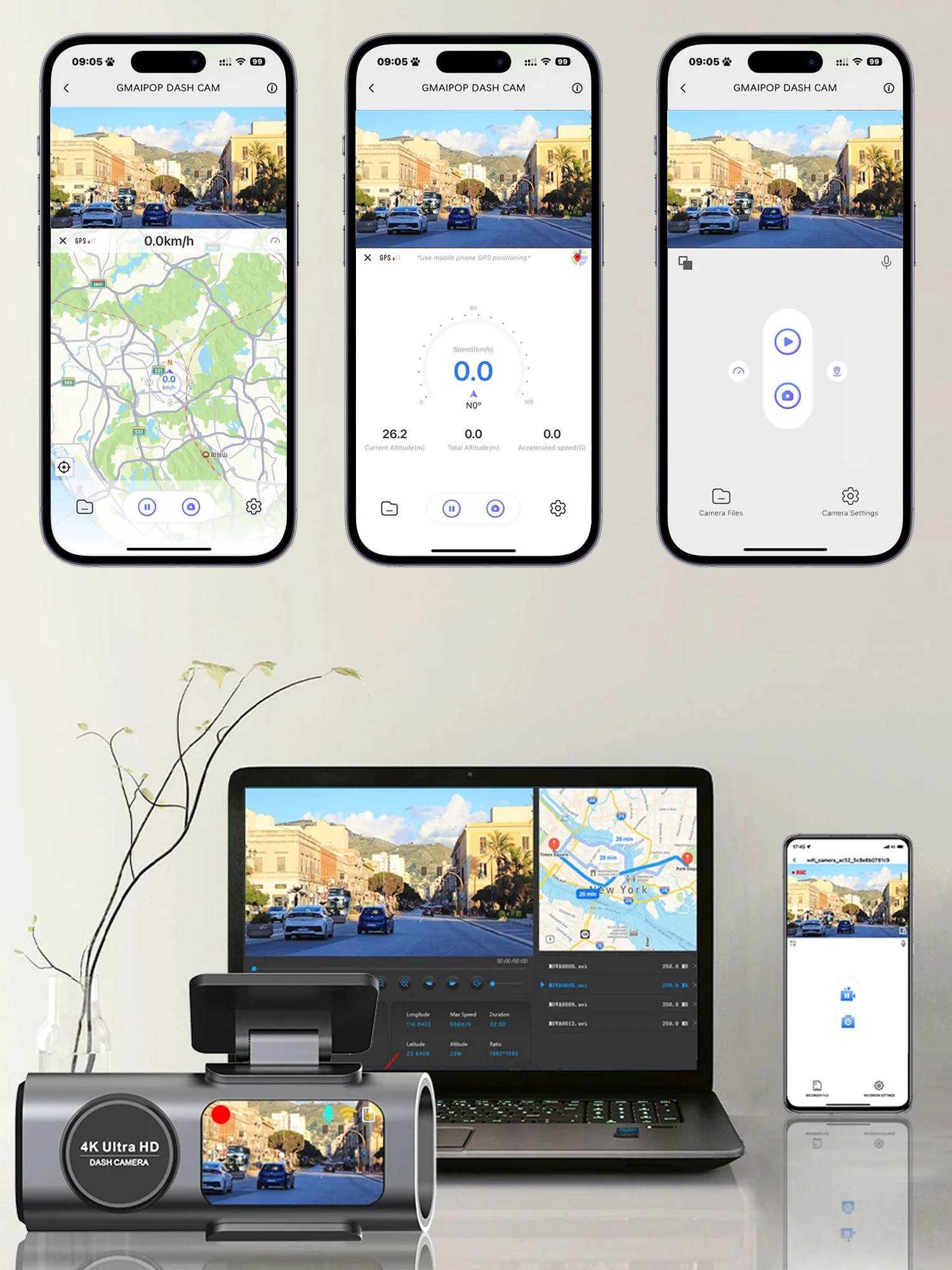
(1) Enter the DVR menu and enter the WIFl setting menu,nable WiFi function;

(2)In the wifi menu of the DVR, check to obtain the wifi SSID name and password;

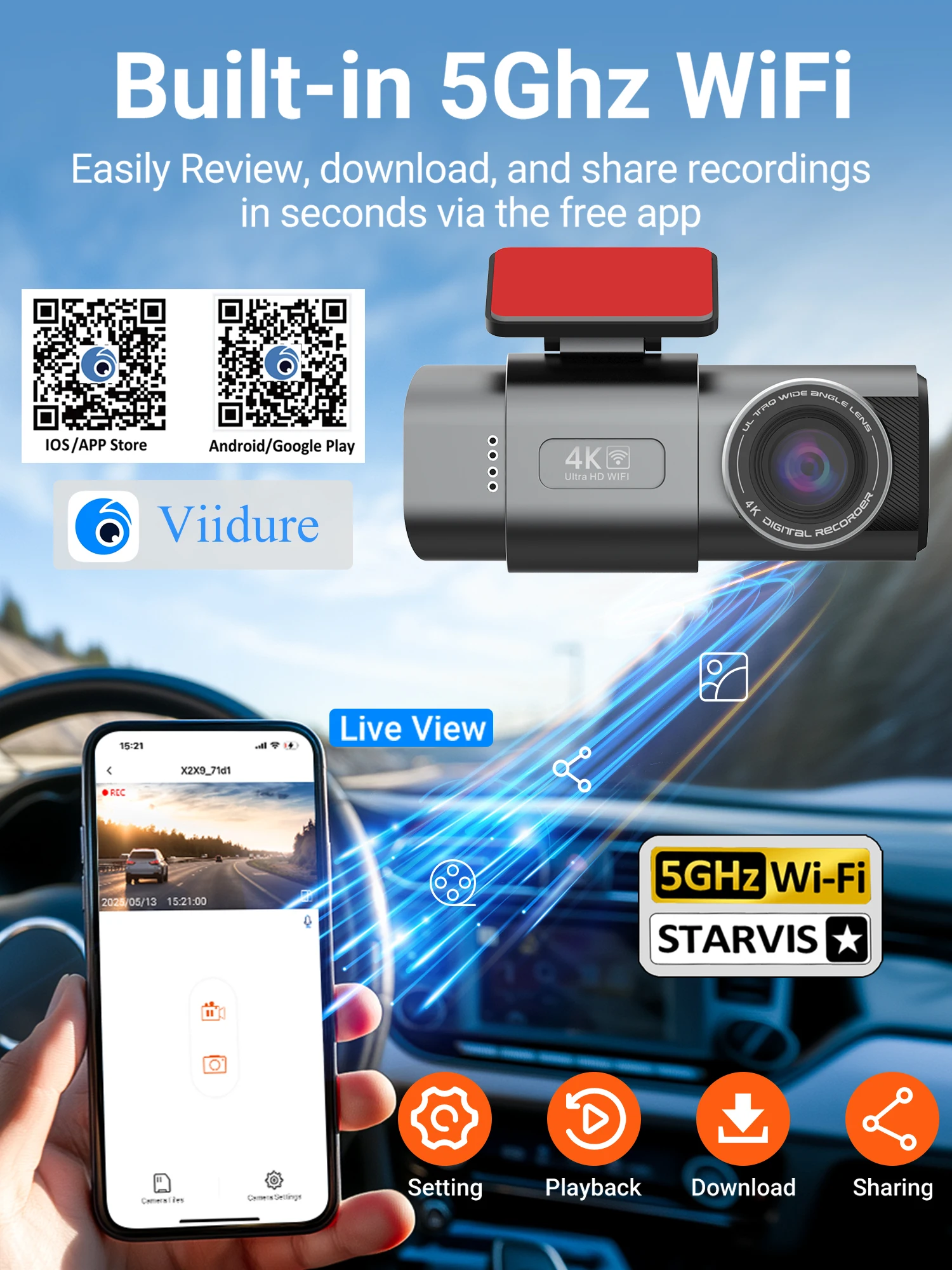
(3)Open the "Viidure" APP on your phone, enter the configuration mode, turn on the wifi function of the phone, follow the prompts to find the SSID wifi signal of the DVR and enter the password to connect;

(4)After successful configuration, you can connect and operate the DVR through the "Viidure" APP.
Reviews

There are no reviews yet.

Be the first to review “Dash Cam 4K UHD Recording Car Camera DVR HDR Night Vision Video Recorder Built-In Wi-Fi Support GPS 24H Parking APP Monitor”
Review now to get coupon!

Your email address will not be published. Required fields are marked *

Please select your product
0